
The Best Social Media Bulk Scheduling Tools in 2026
If you're still scheduling your posts one by one, you're doing it the hard way. Especially if you're an agency or a freelancer managing multiple clients.
Some social media managers spend hours every week just on scheduling. Logging in, creating posts one by one, switching between platforms, repeating the same steps across multiple accounts. It adds up fast.
Bulk scheduling is the solution. Instead of scheduling posts individually, you prepare everything in advance and upload it all at once. One session covers days, weeks, or even an entire month of content across every platform you manage.
Bulk scheduling changes that. Instead of posting manually every time, you upload everything at once, and the tool handles the rest.
This article breaks down what bulk scheduling actually is, the two main ways it works, what to look for when picking a tool, and the four best options available today.
What Is Social Media Bulk Scheduling and How Does It Work?
Bulk scheduling is the ability to create, upload, and schedule dozens or even hundreds of social media posts in one session, instead of doing them one by one.
Most tools do this through a CSV file: a simple spreadsheet where each row is a post, complete with its caption, media, date, time, and other information depending on how the tool handles it.
Rather than logging in every day to schedule tomorrow's post, you sit down once, prepare everything in advance, and hand it all off to your tool at once. From that point, the tool takes over completely by scheduling all your posts according to the settings you adjusted in the spreadsheet.
Here's how it works in practice:
- You prepare your content in advance: captions, media, dates, times, and which platforms each post goes to.
- You add all of that information into a spreadsheet, following the format your scheduling tool supports. Each tool has its own template, usually with columns for the post text, media URL, date, and time. Here's an example of Nuelink's advanced spreadsheet format
- You upload the spreadsheet to your scheduling tool.
- The tool queues everything and publishes each post automatically at the right time, on the right platform.
Types of Social Media Bulk Scheduling
Not all bulk scheduling works the same way. There are two main methods, and most tools offer at least one of them.
CSV Bulk Scheduling
This is the spreadsheet approach and the main one that all the tools usually support. You fill in a CSV file with your post copy, media links, dates, times, and any other relevant information. Then you upload it to the tool, and everything gets scheduled automatically.
P.S The information you add to the spreadsheet is controlled by the tool you're using!
It's fast, scalable, and ideal for high-volume content. If you're managing campaigns for multiple clients or want to schedule an entire month in one session, CSV is your best option. In most social media bulk scheduling, you can upload up to 50 social media posts per spreadsheet.
Drag-and-Drop / Visual Calendar Scheduling
This is the more visual approach. You create or upload your posts, then arrange them on a calendar by dragging and dropping.
It's easier to spot gaps in your schedule. Great for social media managers who prefer a hands-on planning experience or need to review content visually before it goes scheduled.
The limitation is speed because dragging posts around one by one is fine for small batches, but the moment you try to schedule 100s of posts you get trapped.
What to Look for in a Social Media Bulk Scheduling Tool
Before we get into the tools, here's what actually separates a great bulk scheduler from one that just looks good on a features page.
Platform Coverage
Make sure the tool supports every social media network you post to, including newer ones like Threads, Bluesky, and Mastodon. Some tools still have gaps, and discovering one after you've signed up is frustrating.
CSV Upload Support
This is the core feature. Check how many posts you can upload per CSV file; limits vary from 50 to 500, depending on the tool. Also, check whether the tool provides a template, validates your file before importing, and flags errors automatically.
Content Type Support
Bulk scheduling shouldn't be limited to text posts. The tool should handle images, videos, reels, shorts, carousels, and stories.
Error Detection
A good tool validates your CSV before it imports. It should flag missing fields, broken media URLs, invalid formats, and duplicate posts before anything goes live. This is a small feature that saves a lot of headaches. Also, if one of your posts failed for whatever reason, the good tool should have a notification system to let you know exactly which post has failed and why.
Customer Support
When a post fails or a CSV doesn't import correctly, you need help fast. Check whether support is available on your plan and how fast they respond. A good way to check this before signing up is to look at the tool's ratings on review platforms like G2, Trustpilot, and Capterra. Support quality shows up consistently in user reviews.
Pricing Structure
Some tools charge per social account. Others charge a flat monthly fee. Neither is better, but know which model you're on before your account count grows and your bill doubles unexpectedly. Always check what's included at each tier and what gets locked behind higher plans.
Analytics
Scheduling is only half the job. Once your posts go live, can you track what's actually working? Look for a tool that gives you the ability to track engagement metrics, reach, follower growth, and best-time-to-post suggestions based on your real audience data.
The 4 Best Social Media Bulk Scheduling Tools
Nuelink
Starting at $18/month · Annual plans save up to 50%
Nuelink is a social media automation and scheduling platform built for creators, agencies, and teams that want to save time at scale. It combines bulk scheduling with full content automation: your blog posts, products, podcasts, and newsletters publishing to social on their own.
📥 Bulk Scheduling
Import posts from a CSV or Google Sheets, and schedule them across all your platforms in one go. Nuelink automatically scans your spreadsheet for common issues like missing fields, broken media URLs, and invalid formats before anything goes live. Bulk scheduling supports all content types: images, videos, reels, carousels, and stories. The visual calendar gives you a full monthly view with drag-and-drop rescheduling.
✅ Key Features
✓ CSV and Google Sheets bulk upload ✓ Drag-and-drop visual calendar ✓ Content collections with custom schedules ✓ Evergreen content recycling ✓ RSS automation (blogs, podcasts, products) ✓ Auto-crossposting across platforms ✓ AI caption writer and hashtag generator ✓ Unified comment inbox ✓ Multi-brand workspaces ✓ 12+ platforms including Threads and Bluesky
💰 Pricing
| Plan | Price |
|---|---|
| Standard | $18/mo |
| Premium | $48/mo |
| Business | $78/mo |
| Agency | $128/mo |
| Agency Plus | $228/mo |
Hootsuite
Starting at $99/month
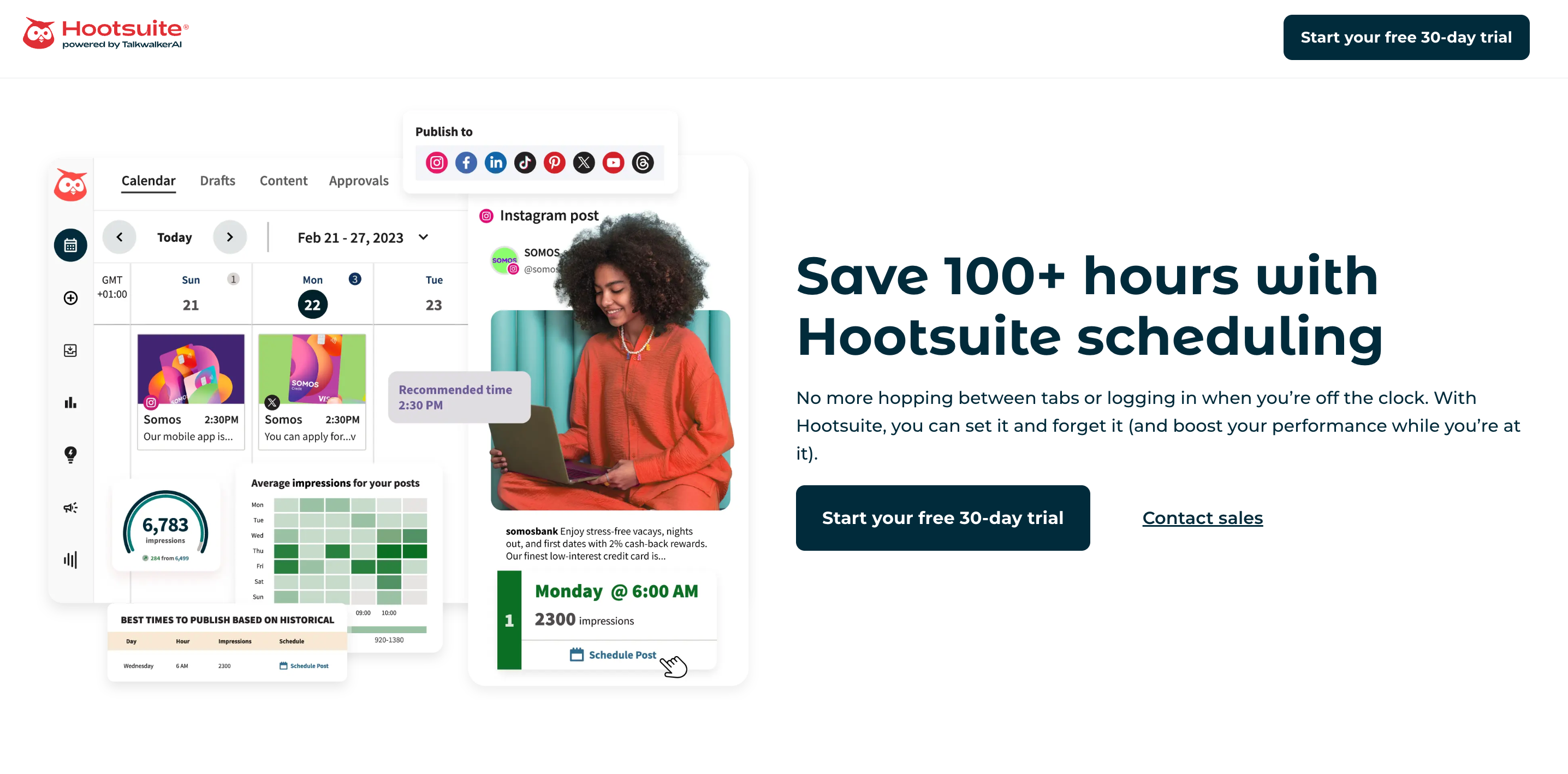
Hootsuite is one of the oldest names in social media management. It has been around since 2008, serves over 18 million users, and remains the go-to for enterprise teams that need depth across scheduling, analytics, social listening, and team workflows.
📥 Bulk Scheduling
Hootsuite's Bulk Composer supports up to 350 posts per CSV upload on paid plans. Each row in the CSV counts as one scheduled post applied to whichever social profiles you have connected. The visual calendar supports drag-and-drop rescheduling and best-time-to-post suggestions based on your audience's recent engagement patterns.
✅ Key Features
✓ CSV bulk upload (up to 350 posts) ✓ Drag-and-drop visual calendar ✓ Social listening and brand monitoring ✓ Competitor benchmarking ✓ Advanced analytics with custom dashboards ✓ Content approval workflows ✓ OwlyWriter AI for caption generation ✓ Unified inbox for DMs and comments ✓ Facebook, Instagram, LinkedIn, TikTok, X, Pinterest, YouTube
💰 Pricing
| Plan | Price |
|---|---|
| Professional | $99/mo |
| Team | $249/mo |
| Business | $739/mo |
| Enterprise | Custom |
SocialChamp
Starting at $4/account/month · Free plan available
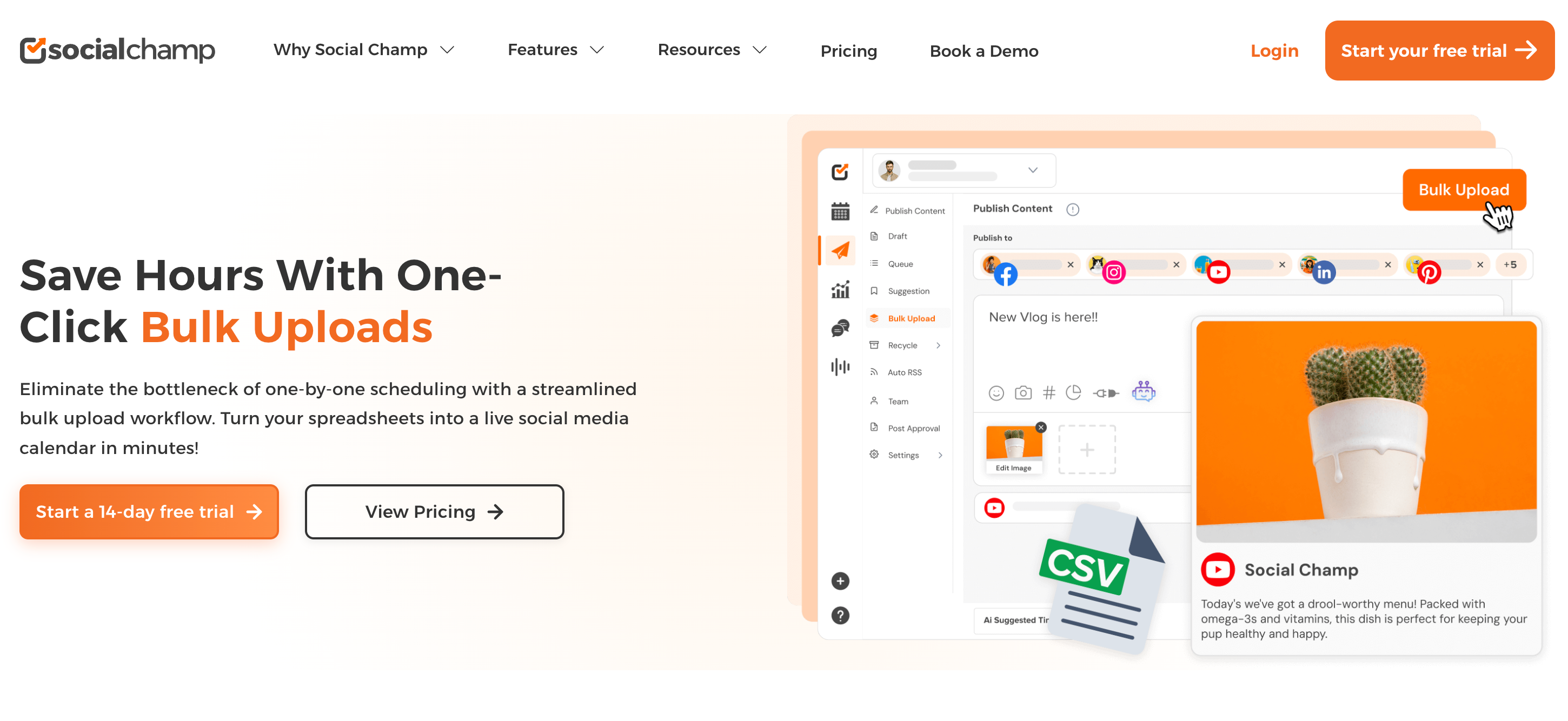
SocialChamp is the budget-friendly option that still packs a real punch. It offers one of the lowest starting prices in the category without stripping out the features that actually matter, making it a strong choice for teams managing a growing number of accounts.
📥 Bulk Scheduling
SocialChamp lets you upload and schedule hundreds of posts simultaneously via CSV. Free accounts can bulk schedule up to 15 posts, while Starter and Growth plans allow up to 300 posts per upload. Enterprise users get unlimited bulk uploads. The visual calendar supports drag-and-drop rescheduling with filtering and search across your entire content schedule.
✅ Key Features
✓ CSV bulk upload (up to 300 posts) ✓ Drag-and-drop visual calendar ✓ Auto-RSS feed scheduling ✓ Content recycling for evergreen posts ✓ AI caption and image generation ✓ Social listening and competitor tracking ✓ White-label reporting ✓ Team collaboration with approval workflows ✓ 12+ platforms including Threads and Bluesky
💰 Pricing
| Plan | Price |
|---|---|
| Free | $0/mo |
| Starter | $4/acc/mo |
| Growth | $8/acc/mo |
| Enterprise | Custom |
Publer
Starting at $12/account/month · Free plan available
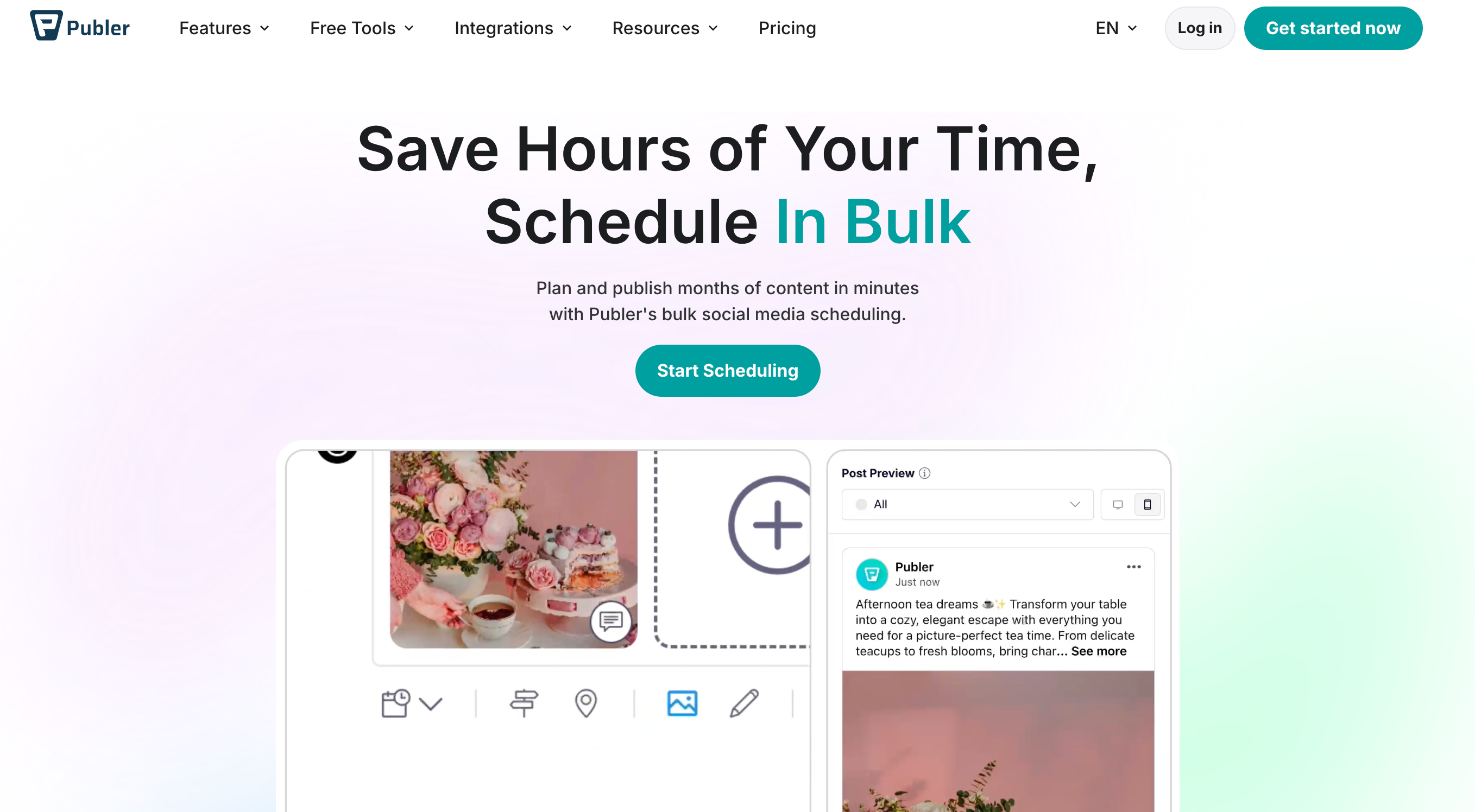
Publer is a clean, well-designed tool that takes bulk scheduling seriously. It offers the highest CSV post limit on this list, a genuinely intuitive visual calendar, and a handful of unique features like automatic logo watermarking that you won't find elsewhere at this price point.
📥 Bulk Scheduling
Publer supports CSV uploads of up to 500 posts at once, the highest limit on this list. You can also upload up to 500 media files in one batch, with direct imports from Google Drive, Dropbox, and OneDrive. The drag-and-drop calendar is consistently praised by users as one of the cleanest scheduling interfaces available.
✅ Key Features
✓ CSV bulk upload (up to 500 posts) ✓ Drag-and-drop visual calendar ✓ Automatic logo watermarking on media ✓ Evergreen content recycling ✓ AI caption generation and hashtag suggestions ✓ Canva integration ✓ Content approval workflows ✓ Bulk media upload from Google Drive and Dropbox ✓ Facebook, Instagram, TikTok, LinkedIn, Pinterest, YouTube, X, Bluesky, Telegram
💰 Pricing
| Plan | Price |
|---|---|
| Free | $0/mo |
| Professional | $12/acc/mo |
| Business | $21/acc/mo |
Which Tool Should You Choose for Bulk Scheduling?
If you want automation alongside bulk scheduling, your blog posts, products, and podcasts publishing to social on autopilot, Nuelink is the most complete option. It's not just a scheduler. It's a full content distribution engine.
If you're an enterprise team with complex approval workflows, social listening needs, and a budget to match, Hootsuite delivers the depth.
If price is the priority and you're managing a growing number of accounts, SocialChamp's per-account model is hard to beat.
If a clean visual experience and the highest CSV post limit matter most to you, Publer is the one to try.
Start Saving Time on Social Media
Bulk scheduling isn't just a nice-to-have anymore. For anyone managing more than a handful of accounts, it's the difference between spending hours on distribution and spending minutes.
Try Nuelink free for 7 days and see how much of your content workflow you can put on autopilot.