
Best Google Business Scheduling Tools in 2026
Your Google Business Profile is not a social network, and that changes everything about how you post to it.
When you publish a Google Business post, it shows up on your business listing in Google Search and Google Maps, right in front of people who are searching for a business like yours at the exact moment they need one. There are no followers to grow and no feed manipulation.
What you get instead is something most social platforms would envy: high-intent local visibility that turns into views, website clicks, phone calls, direction requests, and bookings. Posting consistently also keeps your profile active, which supports your presence in the local map pack.
Here is the catch that makes Google Business different from every other platform on this site. In late 2025, Google added its own native post scheduler and multi-location publishing, so you can now schedule a post and copy it across locations without any third-party tool. That is genuinely useful. It also means the real question in 2026 is no longer "can you schedule," it is "what does a dedicated tool add on top of what Google already gives you."
That is exactly what this article answers.
We cover the best Google Business scheduling tools in 2026, with features, pricing, and real use cases.
How Google Business Differs From Social Media
If you are coming from other normal social media management tools, it helps to reset a few expectations first. Google Business looks like social scheduling on the surface, but it works on completely different rules, and posting to it the way you post to a social feed is a common mistake.
So let's see how Google Business differs from all the other social media networks.
- 🔍 It is a search, not a feed. Your posts appear on your business listing in Google Search and Maps when someone looks you up. There is no algorithm pushing your content to an audience, and there are no followers to grow.
- ⏳ Posts expire. Standard update posts lose their prominent visibility after 7 days, while Offers and Events run until their end date. Unlike a social post that lives on your profile forever, Google Business content is short-lived by design, which is exactly why consistency matters.
- 🎯 The audience has intent. People see your posts at the moment they are searching for a business like yours, so they are far closer to taking action than a casual social scroller. Your goal is to drive a call, a visit, or a booking, not to chase likes.
- 📈 The metrics are different. Forget followers, likes, and shares. Success on Google Business is measured in profile views, website clicks, calls, and direction requests.
- 🚫 The content rules are stricter. Google does not allow raw URLs or phone numbers in your post text, hashtags do not help discovery the way they do on social, and posts can be rejected if they break the guidelines. Clean, direct posts with a link or button work best.
- 🤝 It complements social, it does not replace it. Social media builds awareness and community. Google Business captures people already searching for you. The two work together, but they are not interchangeable.
👉 Google Business updates its features often. Check the latest on the official Google Business page.
What to Look for in a Google Business Scheduling Tool
Multi-Location Management
This is the core local use case. If you run a chain, a franchise, or client profiles as an agency, you need to schedule across many locations from one place.
Check two things: how many profiles each plan includes, and whether the pricing punishes you for every account you add. Some tools charge per profile, which adds up fast.
Support for Google Business Post Types
Google Business posts are not all the same. Updates are your general announcements, Offers carry a promotion with a date range, and Events run until the event date passes.
A good scheduling tool supports these structured types and lets you attach a link to drive the action, rather than only pushing plain text.
Bulk Scheduling and Batching
Standard Google Business posts expire after about 7 days, so a steady weekly cadence is what keeps your profile looking active. The efficient workflow is to batch a month of posts in one session rather than logging in every few days. A tool with bulk CSV upload turns that into minutes.
Analytics That Map to Local Actions
On Google Business, the metrics that matter are views, clicks, calls, and direction requests. Native Google Business insights are thin, so a tool that surfaces this performance data in one dashboard helps you see what is actually driving local customers.
Agency and Team Features
If you manage profiles for clients, look for approval workflows, separate client workspaces, activity logs, and time-zone adjustment. These are the features that separate a tool built for managing many local businesses for your clients from a tool used for simple personal scheduling.
Best Google Business Scheduling Tools in 2026
📍 A quick note before the list: plenty of tools support Google Business now, and Google even schedules posts natively as of late 2025. So the goal is not just finding a tool that can post, it is finding one that adds real value on top, whether that is multi-channel management, unlimited locations, content recycling, or deeper analytics. Every option below does.
1. Nuelink
Best Google Business Scheduling Tool Overall
🏆 Best for: businesses and agencies managing Google Business alongside other channels, across unlimited locations
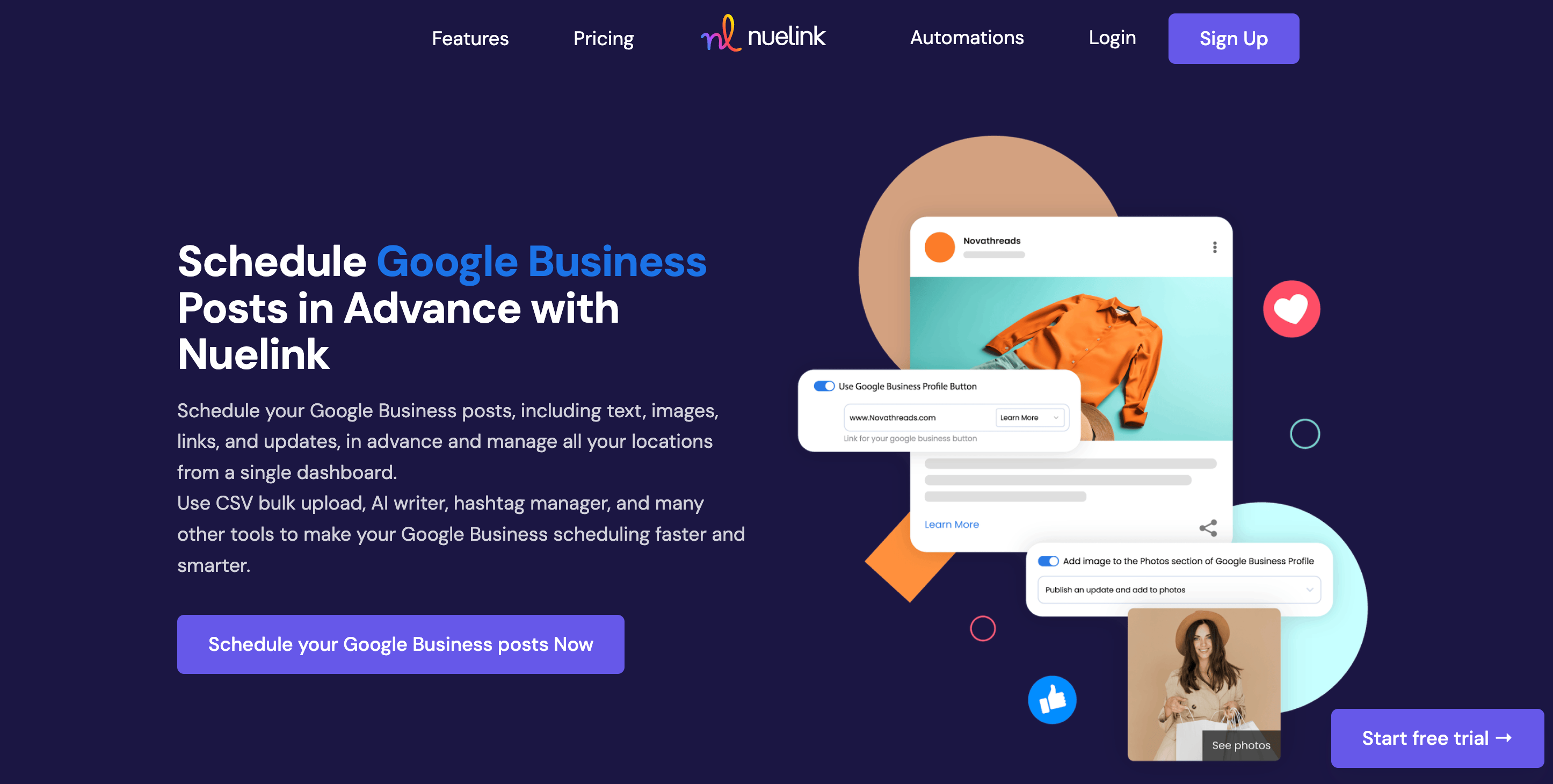
Nuelink is a social media management platform built for teams that need to manage multiple accounts across multiple channels from one place. It supports 12 platforms, including Google Business, Instagram, TikTok, Facebook, LinkedIn, Pinterest, and more, which makes it a strong fit if Google Business is one piece of a wider local marketing stack rather than your only channel.
✨ Key Google Business Features by Nuelink
- 📍 Unlimited Locations: connect and schedule for as many Google Business profiles or locations as your plan allows, with no per-location fees, whether that is one shop, a chain, or client accounts.
- 🗂️ All Post Types: schedule Updates with text and images, Event announcements, and Offers and promotions.
- 🔗 Links on Posts: attach a link to your update to drive traffic to your site, booking page, or offer.
- 📥 Bulk Scheduling via CSV: prepare a month of posts in Google Sheets, export to CSV, and schedule the whole queue in minutes.
- 🤖 AI Writing Assistant: generate a complete post from a prompt, or rephrase and optimize an existing one for local audiences.
- 🛍️ Store Automations: connect Shopify, WooCommerce, or Etsy and turn products into posts automatically, useful for local e-commerce.
Nuelink's pricing
|
💰 Plan |
Price |
📡 Channels |
🏢 Brands |
|---|---|---|---|
|
Standard |
$18/mo |
10 |
1 |
|
Premium |
$48/mo |
30 |
3 |
|
Business |
$78/mo |
60 |
6 |
✅ Flat pricing with no per-location fees. All plans include a 7-day free trial and a 30-day money-back guarantee.
📍 See it in action: Schedule your first Google Business post with Nuelink →
2.Circleboom
Best for Speed & Automation
⚡ Best for: solo businesses and small teams that want their Google Business Profile posting automatically, without spending time writing content every day.

Circleboom is a social media and Google Business Profile scheduler built around cutting the two things that make a profile go stale: how long it takes to create a post, and how long it takes to think of what to post in the first place. It supports Google Business natively alongside Instagram, Facebook, X/Twitter, LinkedIn, Pinterest, and Threads, and in hands-on testing it was the fastest tool in this category to actually get a post scheduled.
✨ Key Google Business Features by Circleboom
⚡ Fast Post Creation: 37 seconds on average from new post to scheduled confirmation, fastest of the tools tested for this comparison.
📡 RSS Automation: connect any content feed and Circleboom generates and queues Google Business posts automatically on a schedule you set.
🔗 Built In UTM Tracking: UTM parameters are added directly in the post composer, so Google Business traffic shows up cleanly in Google Analytics without a separate step.
📊 Google Business Analytics: impressions, actions, direction requests, phone calls, and website clicks, with historical trend data rather than a single snapshot.
🏬 Multi Location Management: manage and post to multiple Google Business profiles from one dashboard, with no per location fee.
Circleboom's pricing
| 💰 Plan | Price (Monthly) | 📡 Accounts | 👥 Users |
| Pro | $24.99/mo | 5 | 1 |
| Premium | $34.99/mo | 10 | 2 |
| Business | $74.99/mo | 25 | 5 |
⚠️ Annual billing brings the effective monthly price down by roughly 30 to 40 percent. A 14 day free trial is available, no credit card required.
3. SocialPilot
Best for Agencies & Local SEO
🏢 Best for: agencies and teams managing many client locations with approval workflows.
SocialPilot is a scheduling and reporting platform built with agencies in mind. It supports Google Business alongside the major networks and leans into client management, making it a strong choice if local SEO for clients is your business.
✨ Key Google Business Features by SocialPilot
- 📍 Multi-Location Scheduling: publish to multiple Google Business profiles at once from a content calendar.
- ✅ Client Approval Workflows: send posts to clients for review and sign-off before they go live.
- 📊 White-Label Reports: branded performance reports for clients on higher tiers.
- 🤖 AI Assistant: generate and rephrase post content with built-in AI credits.
- 📥 Bulk Scheduling: queue large batches of posts across profiles.
SocialPilot's pricing
|
💰 Plan |
Price (Annual) |
📡 Accounts |
|---|---|---|
|
Essentials |
~$30/mo |
7 |
|
Standard |
~$42.50/mo |
per-tier |
|
Premium |
~$85/mo |
25 |
|
Ultimate |
~$170/mo |
50 |
⚠️ Pricing is account-based, with roughly $4 per extra account per month.
3. RecurPost
Best for Evergreen Recycling & White-Label Reporting
🔁 Best for: keeping profiles consistently active with recycled content, and agencies needing client separation.
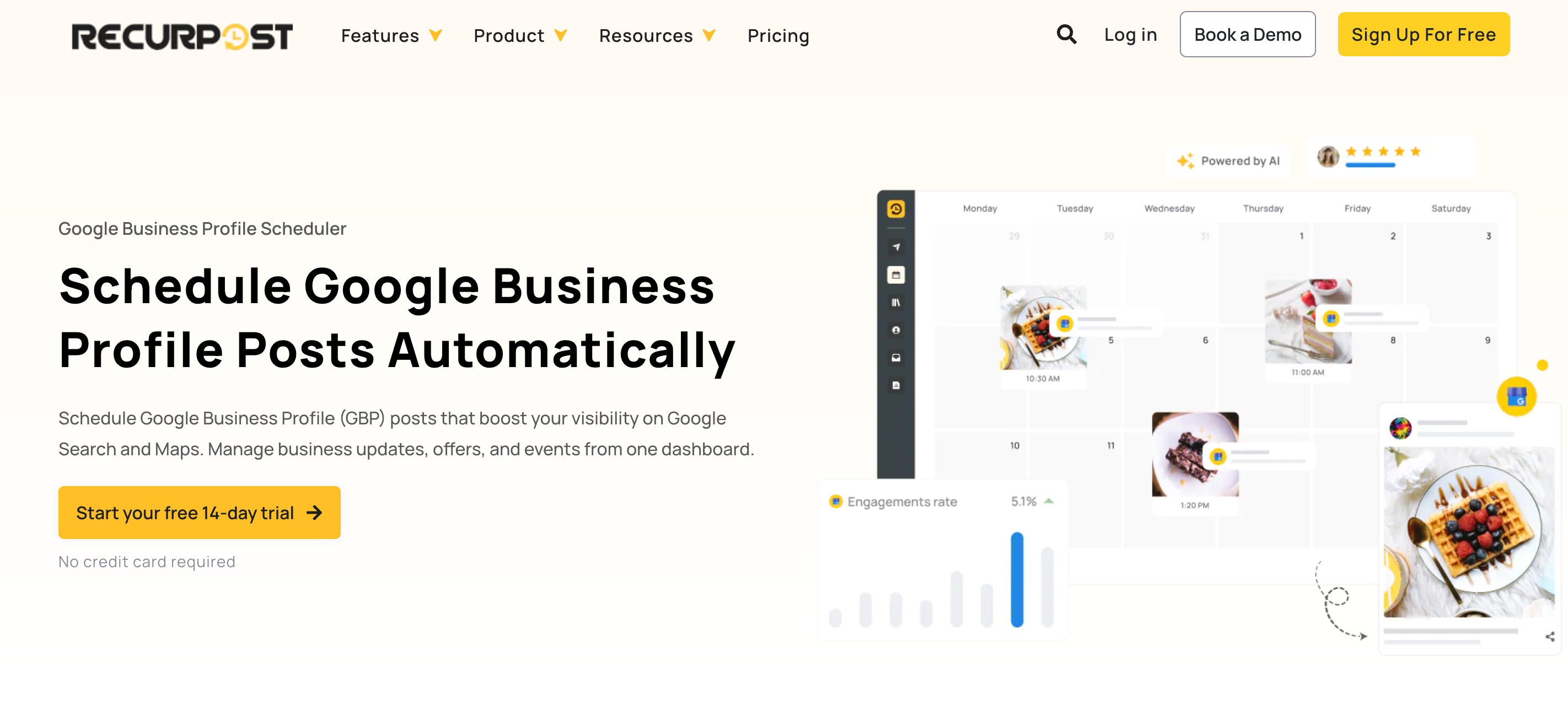
RecurPost is built around content recycling and agency workflows. It supports Google Business and is especially useful if you want evergreen posts to keep cycling through your queue without rebuilding them each time.
✨ Key Google Business Features by RecurPost
- ♻️ Evergreen Recycling: re-queue your best posts automatically so your profile never goes quiet.
- 🏢 Client Workspaces: separate calendars, libraries, and permissions per client to prevent cross-posting mistakes.
- ✅ Approval Workflows: route posts to clients for review inside the tool.
- 🤖 AI Across the Board: AI for captions, ideas, and even turning Google Business reviews into shareable testimonial graphics.
- 📊 White-Label Reporting: branded reports for clients.
RecurPost's pricing
|
💰 Plan |
Price |
📡 Profiles |
|---|---|---|
|
Starter |
$9/mo |
2 |
|
Personal |
$25/mo |
5 |
|
Agency |
$79/mo |
20 |
⚠️ Extra profiles are $4 each.
4. Buffer
Best for Simplicity & Budget-Conscious Users
💸 Best for: solo businesses and small teams who want clean, no-fuss scheduling
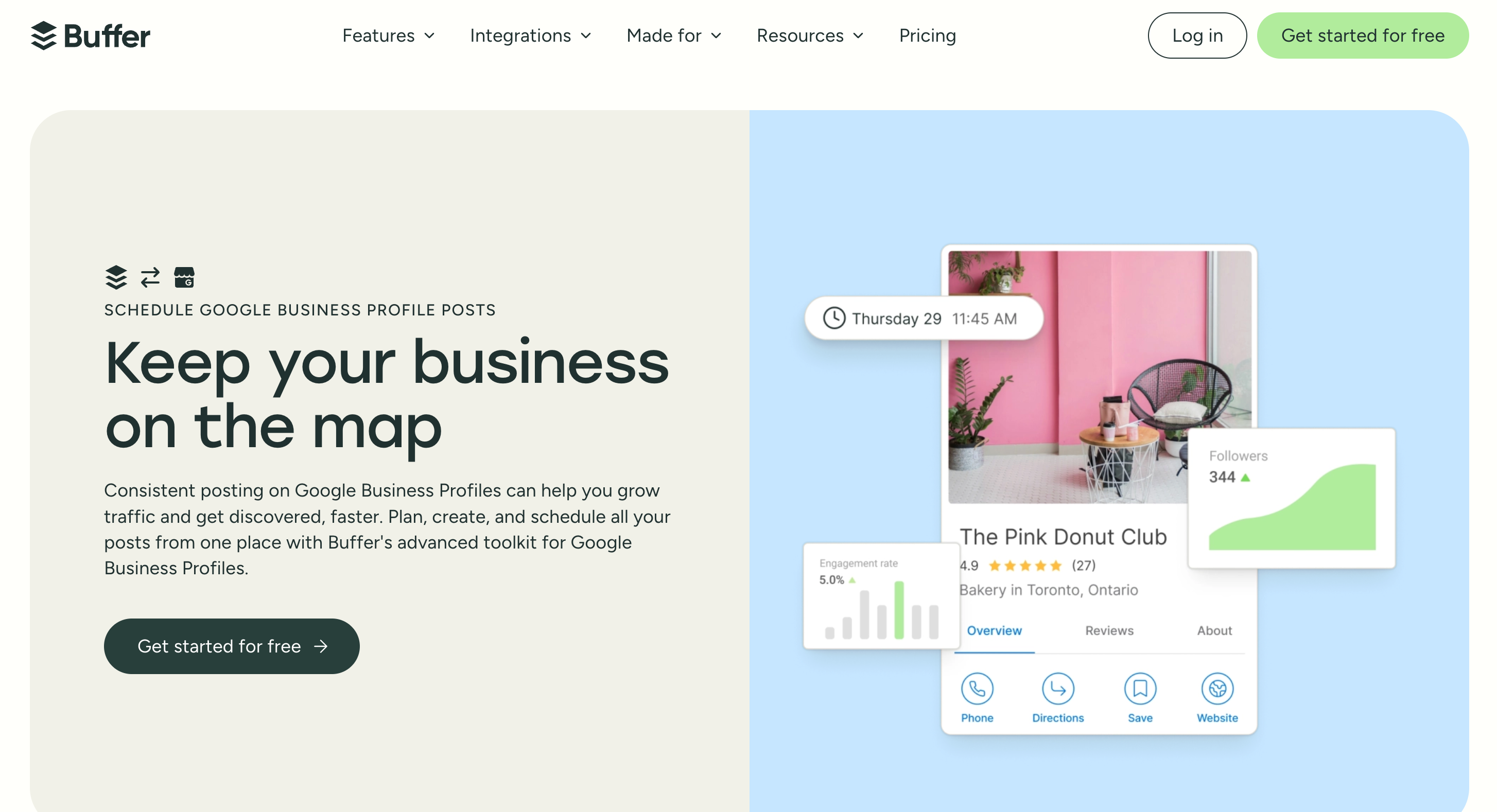
Buffer is a straightforward scheduling tool built for small businesses, creators, and solo marketers. It supports Google Business and is one of the most accessible tools here in terms of price and ease of use.
✨ Key Google Business Features
- ⏰ Post Scheduling: Schedule Google Business posts in advance to publish automatically.
- 🗂️ Content Planning: Organize post ideas in Buffer's Create space with boards and tags.
- 📈 Analytics: track engagement on posts, with advanced analytics on paid plans.
- 🤖 AI Assistant: generate captions and repurpose content inside the scheduler.
|
💰 Plan |
Price |
📡 Channels |
👤 Users |
|---|---|---|---|
|
Free |
$0 |
3 |
1 |
|
Essentials |
$5/mo per channel |
Flexible |
1 |
|
Team |
$10/mo per channel |
Flexible |
Unlimited |
⚠️ Pricing scales per channel, so the more profiles you manage, the more you pay.
All five tools genuinely support Google Business and work well depending on your needs. SocialPilot and RecurPost shine for agencies, and Buffer for simplicity. But if you want the best balance of post-type support, unlimited locations, flat pricing, and the ability to manage Google Business alongside your whole stack, Nuelink is the clear choice.
Why Nuelink Is the Best Google Business Scheduling Tool
Nuelink covers what most local businesses actually need from a Google Business scheduler, without the per-location pricing or steep learning curve of heavier tools. Let's look at some features in more detail.
Unlimited Locations, Flat Pricing
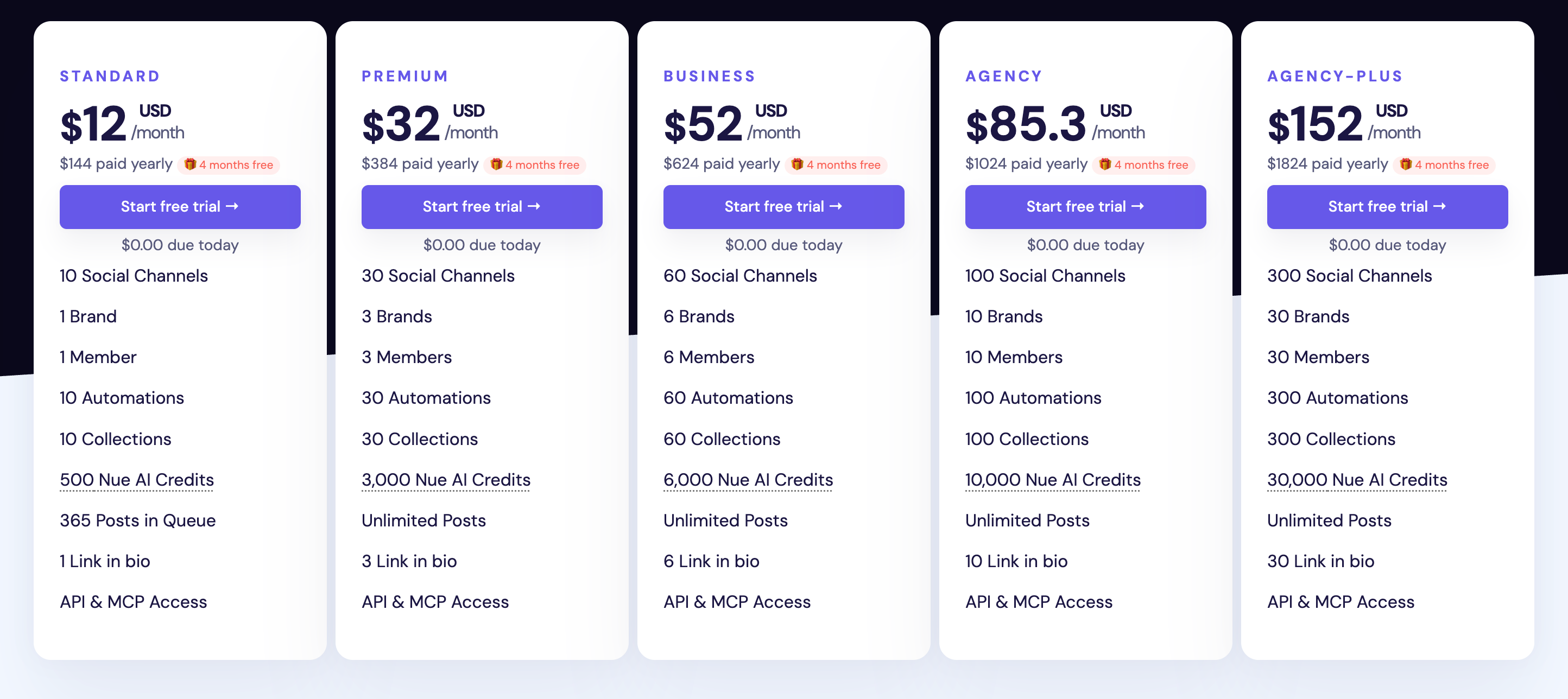
Many tools charge per profile, which gets expensive the moment you manage more than a few locations. Nuelink counts each Google Business profile as a regular channel, so if your plan includes 10 channels you can connect 10 locations.
All Google Business Post Types
Nuelink supports the post types that actually matter on Google Business. Schedule Updates with text and images, Event announcements with dates, and Offers and promotions.
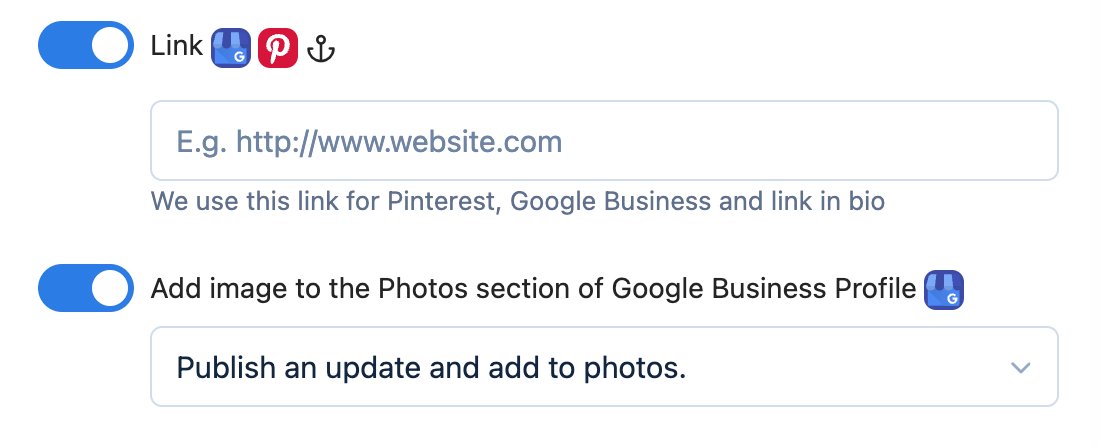
Publish an Update or Add to Photos
This is the kind of Google-aware detail that sets Nuelink apart. When you upload an image, you can choose to publish it as a full update post or simply add it to your profile's photo gallery. That flexibility lets your visuals show up in customer searches without forcing every image into a published post.

Links on Your Posts
Nuelink makes it easy to attach a link to your Google Business updates, so you can send customers straight to your website, a booking page, a blog article, or a special offer directly from your listing.
Bulk Scheduling via CSV
Since Google Business posts expire after about a week, consistency is everything, and doing it by hand is a grind. Nuelink lets you prepare a full month of posts in Google Sheets, export to CSV, and upload the whole queue at once. Weeks of content scheduled in minutes.
AI Writing Assistant
Writing a fresh local post for every update adds up fast. Nuelink's built-in AI writing assistant generates a complete Google Business post from a simple prompt or refines an existing one and optimizes it for a local audience.
Store Automations for Local E-commerce
If you sell online as well as locally, Nuelink connects directly to Shopify, WooCommerce, Etsy, and other stores and turns your products into posts automatically. That keeps your Google Business profile fresh without building a post for every product by hand.
Your local visibility deserves more than scattered manual posting. Try Nuelink free for 7 days.