4 Facebook Scheduling Tools Worth Considering [2026 Updated]
Facebook is the largest social network on the planet, with over 3 billion monthly active users and a mature advertising ecosystem that rewards consistency, timing, and data-driven strategy.
Unlike decentralized platforms, Facebook is a centralized, algorithm-driven network where reach depends heavily on engagement signals, paid amplification, and how well you understand your audience.
Facebook does offer a built-in scheduler through Meta Business Suite, and it is really useful for a free native tool. It handles posts, stories, and reels across both Facebook and Instagram, with basic analytics and audience insights.
But it is strictly limitied, it's doesn't have crossposting to other platforms, no team collaboration workflows, no approval gates, and no advanced automation.
The moment you manage multiple Pages, run campaigns across networks, or need client approvals, you outgrow it.
That is where a dedicated Facebook scheduling tool comes in.
In this article, we cover the best Facebook scheduling tools in 2026, with features, pricing, and real use cases.
Boost Post & Paid Amplification Support
This is the most Facebook-specific thing on the list. Facebook's organic reach has declined steadily for years, and paid promotion is now essential for any serious Page. A scheduling tool that lets you boost posts directly from the scheduler or at least flags which posts are promotion-ready saves you from toggling back into Ads Manager for every piece of content. If a tool ignores paid amplification entirely, that is a red flag for Facebook specifically.
Audience Targeting & Post Customization
On most platforms, one post fits all followers. On Facebook, you can target posts by location, language, age, and interest, and you should. A scheduling tool that lets you set audience restrictions and post customizations at scheduling time, rather than forcing you to edit after publishing, is a genuine differentiator. Look for a tool that preserves Facebook's native targeting options so every scheduled post reaches the right people.
Does It Go Beyond Native Scheduling?
Since Meta Business Suite already schedules posts, Stories, and Reels for free, a third-party tool has to earn its place. The real test is everything native scheduling cannot do: team collaboration, client approvals, crossposting to other platforms, advanced analytics, and automated content recycling. If a tool only matches what Meta gives away for free, there is little reason to pay for it.
Multiple Pages
Businesses, agencies, and creators rarely run a single Facebook Page. If you manage more than one, or juggle client Pages alongside your own, check how many Pages and ad accounts each plan includes, and whether the tool can connect to Business Manager for proper permissions and billing integration.
Format Support: Feed Posts, Stories, Reels, Carousels, and Live
Facebook's content ecosystem is broader than most platforms. Feed posts, Stories, Reels, carousels, event posts, and even live stream scheduling all play a role. Make sure your tool supports the full range of Facebook formats, including Reels and Stories, so you are not stuck posting some formats by hand while the scheduler handles the rest.
Crossposting to Instagram, Threads, and Beyond
Facebook users are almost always also active on Instagram, Threads, TikTok, LinkedIn, and X. If this is you, make sure the tool you pick offers seamless crossposting with per-platform customization. A tool that crossposts across these networks lets you maintain a unified presence without copying and pasting into four apps.
Built-in Analytics
Facebook offers native analytics through Meta Business Suite, but they are fragmented and lack cross-platform context. That makes a unified analytics dashboard a genuine differentiator for the social media management tool you are picking. Look for a tool that shows engagement, reach, and conversion tracking directly inside the dashboard so you are not stitching reports together by hand.
A quick note before the list: Meta's API restrictions and frequent policy changes make Facebook scheduling more complex than other platforms. Several tools that work flawlessly on X or LinkedIn struggle with Facebook's publishing limit and Reels support. Every option below genuinely supports Facebook at a professional level.
1. Nuelink
Best Facebook Scheduling Tool Overall
Best for: agencies, creators, and businesses managing multiple Pages, ad accounts, and cross-platform campaigns
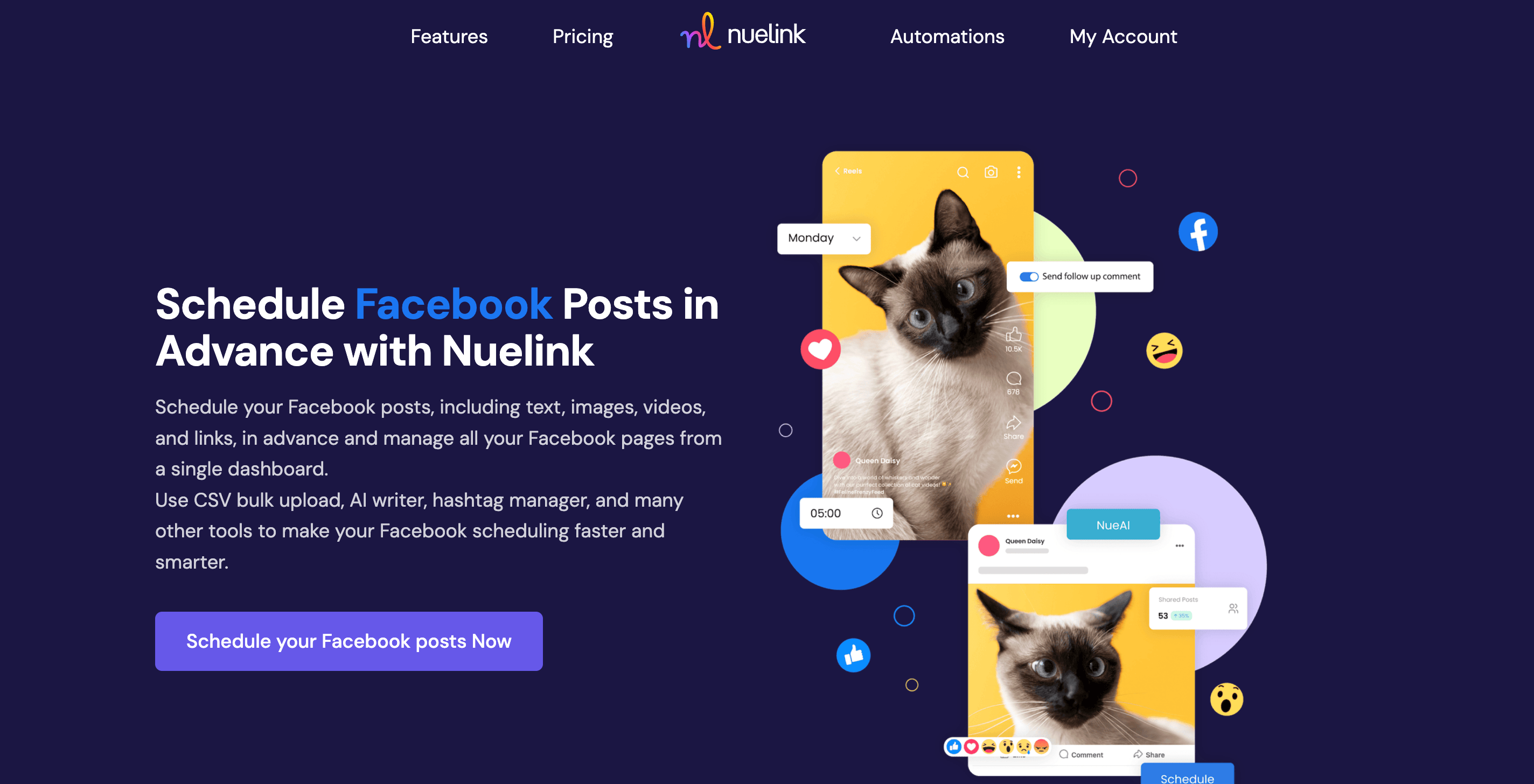
Nuelink is a social media management platform built for teams who need to manage multiple accounts across multiple channels from one place. It supports 12 platforms including Facebook, Instagram, TikTok, Pinterest, LinkedIn, Threads, Bluesky, and YouTube.
Key Facebook Features by Nuelink
- Multiple Pages: connect as many Facebook Pages as your channel limit allows.
- Reels & Stories Scheduling: schedule Facebook Reels and Stories alongside feed posts.
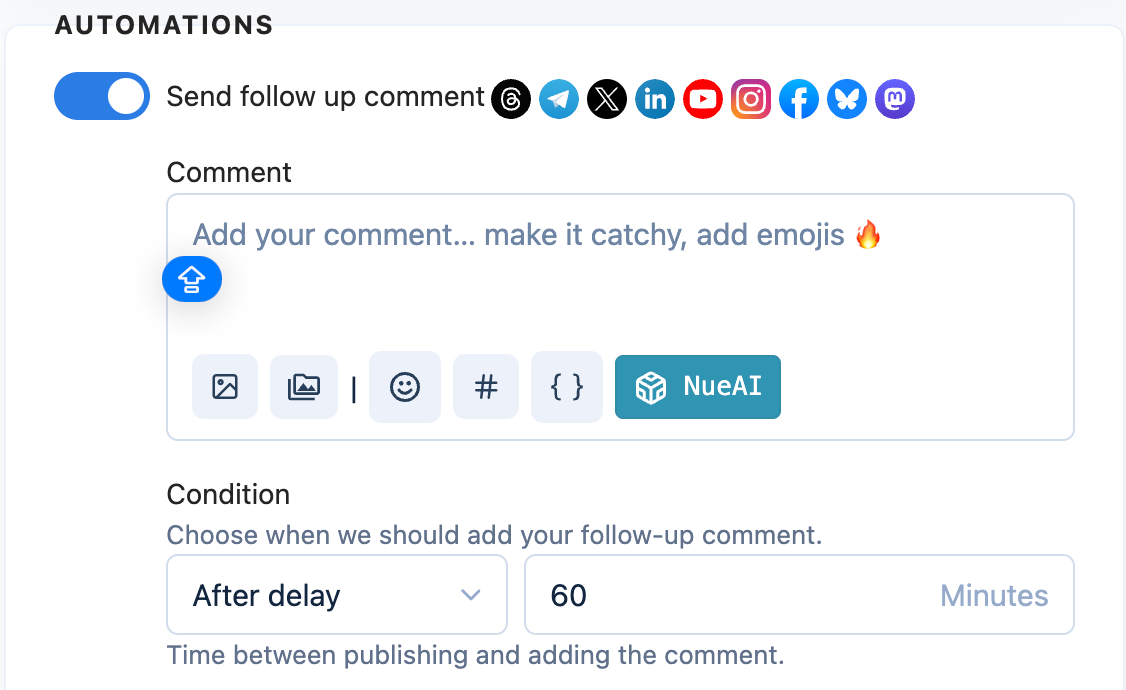
- Follow-up Comments: schedule a follow-up reply automatically after a delay you set, ideal for pinning important links or updates in the comments.
- Polls & Events: schedule native Facebook polls and event posts just like regular content.
- Image & Video Support: schedule text, image, video, and carousel posts in advance.
- Bulk Scheduling via CSV: queue a full batch of Facebook posts from a single spreadsheet.
- Crossposting: crosspost between Facebook, Instagram, Threads, TikTok, and X through one automated system.
- AI Writing Assistant: generate a complete caption from a prompt, or rephrase and shorten an existing one.
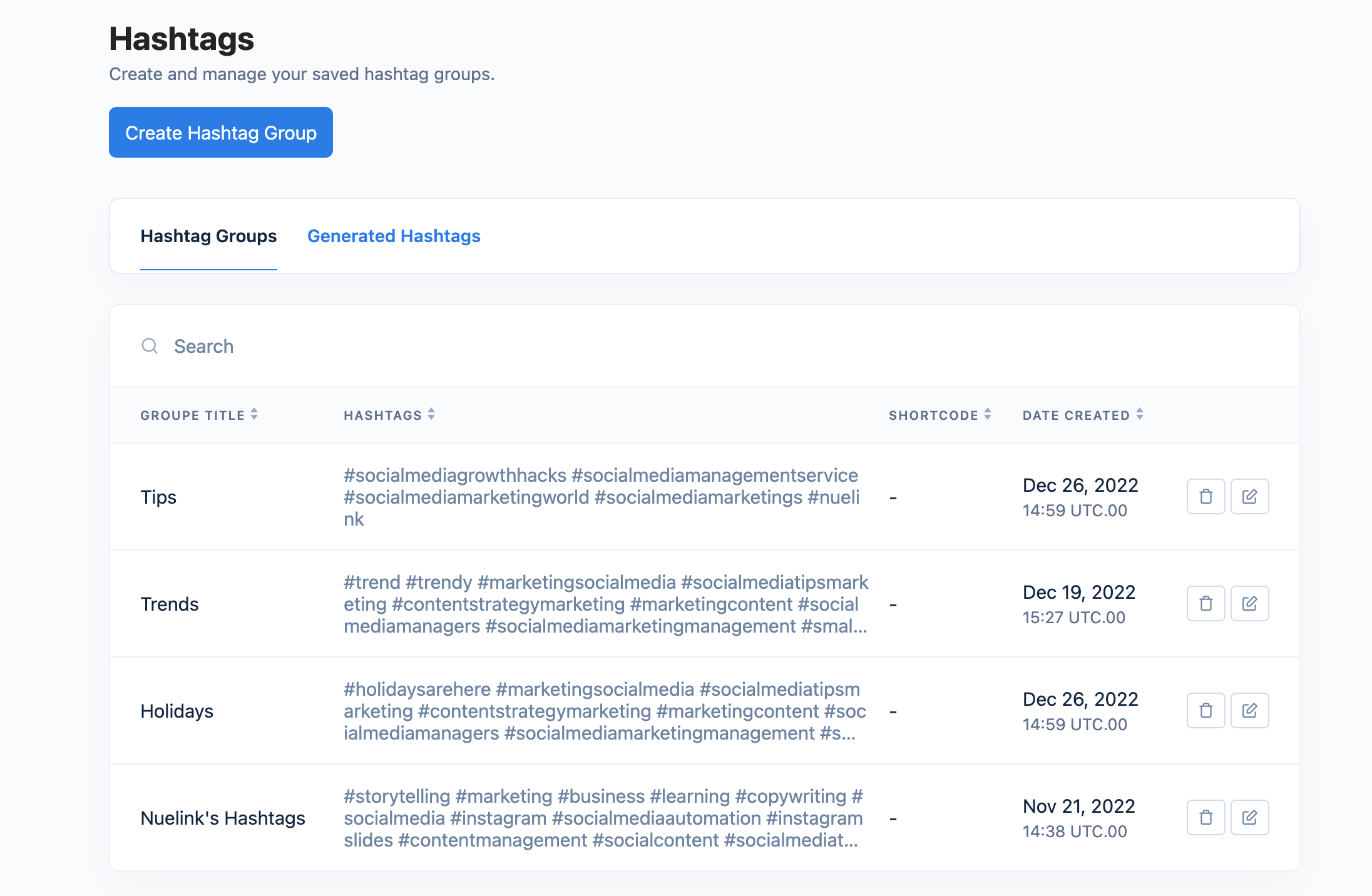
- Hashtag Manager: save your best-performing hashtag groups and insert them into any scheduled post with a single click.
- Store Automations: connect your Shopify, WooCommerce, or Etsy store and auto-promote products to Facebook without manual work.
| Plan |
Price |
Channels |
Brands |
| Standard |
$18/mo |
10 |
1 |
| Premium |
$48/mo |
30 |
3 |
| Business |
$78/mo |
60 |
6 |
All plans include a 7-day free trial and a 30-day money-back guarantee.
2. Later
Best for Visual Content Creators & Instagram-Facebook Crossposting
Best for: creators, brands, and small businesses with a heavy visual focus who want seamless Instagram-to-Facebook workflows
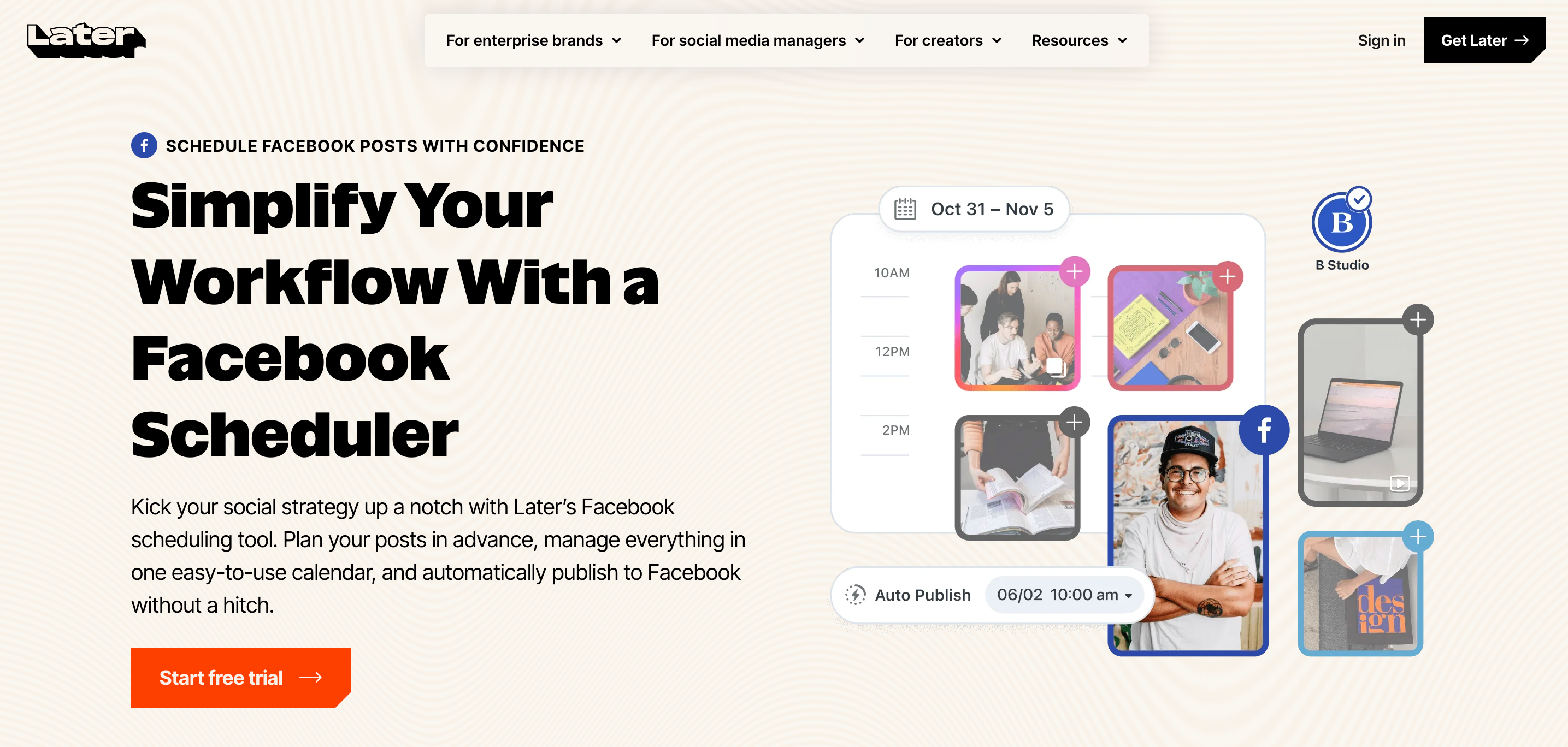
Later started as an Instagram-first scheduler and has since expanded into a full visual marketing platform. Its strength is in visual planning: drag-and-drop content calendars, media libraries, and link-in-bio tools, and it handles Facebook Pages well, especially when Facebook is part of a broader Instagram-centric strategy.
Key Facebook Features by Later
- Visual Content Calendar: plan Facebook posts in a drag-and-drop grid that mirrors your feed aesthetic, with Instagram and Facebook side by side.
- Media Library & Asset Management: organize photos, videos, and UGC in a searchable library with tags and notes.
- Stories & Reels Scheduling: schedule Facebook Stories and Reels alongside Instagram, with preview and auto-publish.
- Link in Bio: Later's Linkin.bio tool drives traffic from Instagram and Facebook to your website or store.
- Analytics: track Facebook engagement, best posting times, and audience growth with visual reports.
- AI Caption Writer: generate captions optimized for Facebook and Instagram engagement.
| Plan |
Price |
Social Sets |
Users |
| Free |
$0 |
1 |
1 |
| Starter |
$16.67/mo |
1 |
1 |
| Growth |
$30/mo |
3 |
3 |
| Advanced |
$53.33/mo |
6 |
6 |
Later is Instagram-first, so its Facebook features, while solid, are secondary to its visual planning strengths.
3.ContentStudio
Best for AI-Powered Content Creation & Agencies Managing Multiple Clients
Best for: agencies, marketing teams, and creators who want AI built into every step of the Facebook workflow, from caption writing to performance reporting
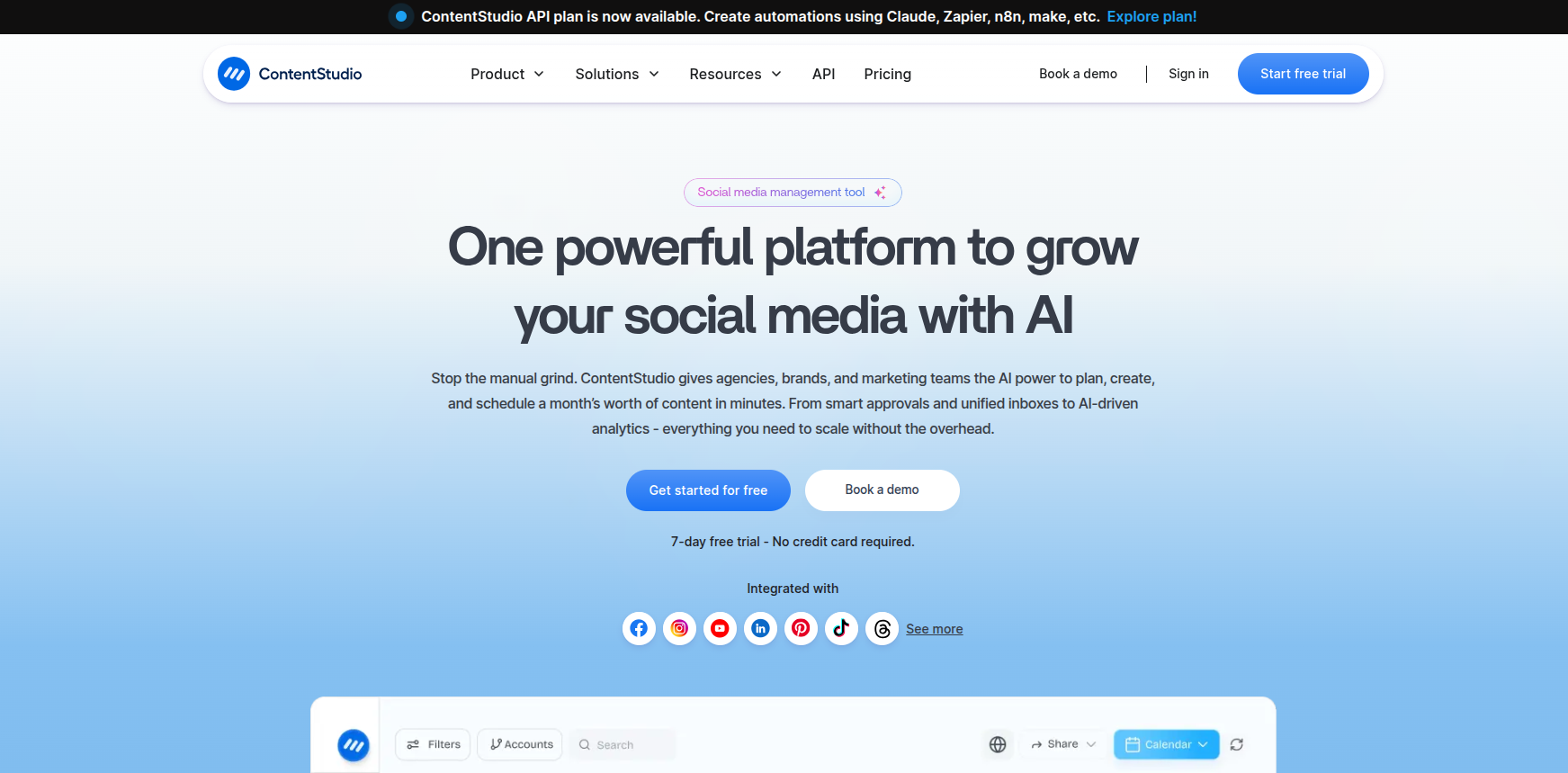
ContentStudio is an AI-first social media management platform that combines publishing, analytics, a unified social inbox, and content discovery in one dashboard. It connects with Facebook, Instagram, YouTube, LinkedIn, Pinterest, TikTok, Threads, Bluesky, Telegram, and Google Business Profile.
Key Facebook Features by ContentStudio
- Multi-Page & Group Scheduling: select every Facebook Page or Group you manage from one composer and schedule across all of them at once.
- AI Studio: generate captions, hashtags, and AI images directly inside the composer, or turn a single prompt into a full post.
- Smart & Best-Time-to-Post Scheduling: get personalized posting-time recommendations based on your audience's actual engagement activity.
- Bulk Scheduling via CSV: upload a spreadsheet and queue weeks or months of Facebook content in one go.
- Social Listening: monitor Facebook (and other platform) mentions and topics to track brand health and conversations beyond your own Page.
- Unified Social Inbox: manage Facebook comments and messages alongside every other connected platform in one stream.
- MCP & API Access: connect ContentStudio to Claude, Zapier, n8n, or Make to automate Facebook publishing as part of a larger workflow.
| Plan |
Price
|
Social Accounts
|
Workspaces
|
| Standard |
$19/mo
|
5
|
1
|
| Advanced |
$49/mo
|
10
|
2
|
| Agency Unlimited |
$99/mo
|
25+ (scalable)
|
Unlimited
|
4. Hootsuite
Best for Enterprise & Large Teams
Best for: large organizations, agencies, and teams that need deep analytics and team governance
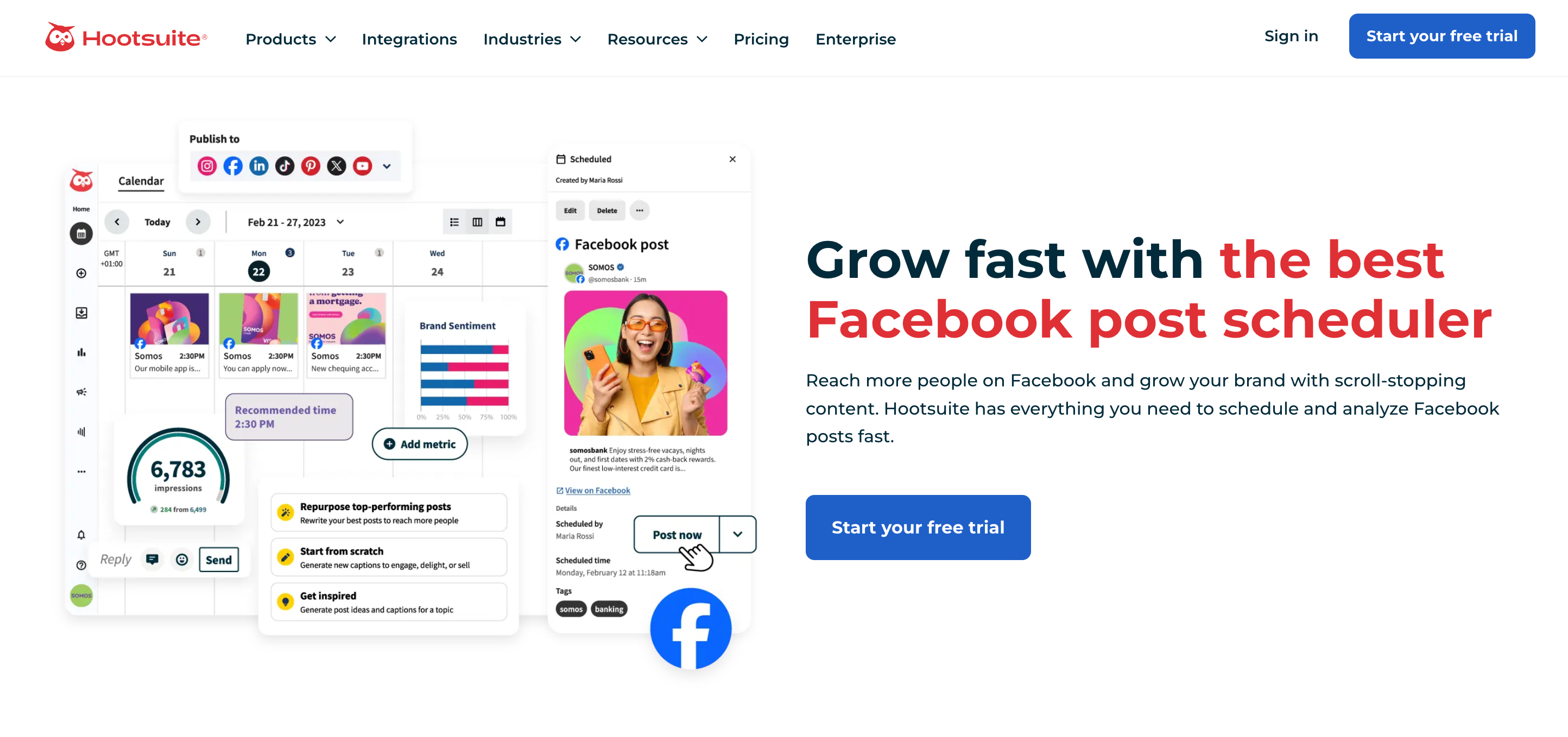
Hootsuite is the established enterprise standard for social media management. It has supported Facebook longer than almost any competitor and offers deep integration with Meta's advertising and analytics ecosystems.
Key Facebook Features by Hootsuite
- Visual Content Calendar: plan and schedule Facebook posts, Stories, and Reels in a drag-and-drop calendar.
- Team Workflows & Approvals: multi-level approval workflows and user permissions for large teams.
- Advanced Analytics: deep cross-platform reporting with Facebook-specific engagement metrics.
- Unified Social Inbox: consolidate Facebook comments, messages, and mentions into one stream.
- Social Listening: monitor brand health and industry trends across Facebook and beyond.
- Crossposting: publish to Facebook, Instagram, LinkedIn, X, TikTok, Pinterest, and YouTube from one dashboard.
| Plan |
Price |
Users |
| Standard |
$199/mo |
1 |
| Team |
$399/mo |
3+ |
| Enterprise |
Custom |
Unlimited |
Hootsuite is the most expensive option on this list so it is overkill for solo creators.
5. Buffer
Best for Simplicity & Budget-Conscious Users
Best for: solo creators and small teams who want clean, no-fuss scheduling
Buffer is a straightforward scheduling tool built for small businesses, creators, and solo marketers. It is one of the most accessible tools here in terms of price and ease of use, and it handles Facebook Pages reliably.
Key Facebook Features by Buffer
- Post Scheduling: schedule Facebook feed posts in advance and publish them automatically at the times you choose.
- Image & Video: schedule posts with media alongside your other connected platforms.
- Content Planning: save and organize post ideas in Buffer's Create space with boards and color-coded tags.
- Analytics: track engagement on individual posts, with advanced analytics on paid plans.
- AI Assistant: generate captions and repurpose content inside the scheduler.
| Plan |
Price |
Channels |
Users |
| Free |
$0 |
3 |
1 |
| Essentials |
$5/mo per channel |
Flexible |
1 |
| Team |
$10/mo per channel |
Flexible |
Unlimited |
Pricing scales per channel, so the more Pages you manage, the more you pay.
All four tools genuinely support Facebook and work well depending on your needs. But if you want the most complete feature set, the best multi-Page support, and the most flexible pricing, Nuelink is the clear choice.
Nuelink covers every feature you need to run a serious Facebook presence, all from one dashboard. Let's look at some in more detail.
Multiple Pages
Most tools that touch Facebook assume a single Page. Nuelink counts each Facebook Page as a regular social channel, so if your plan includes 10 channels and you want all 10 to be Facebook Pages, you can do that.
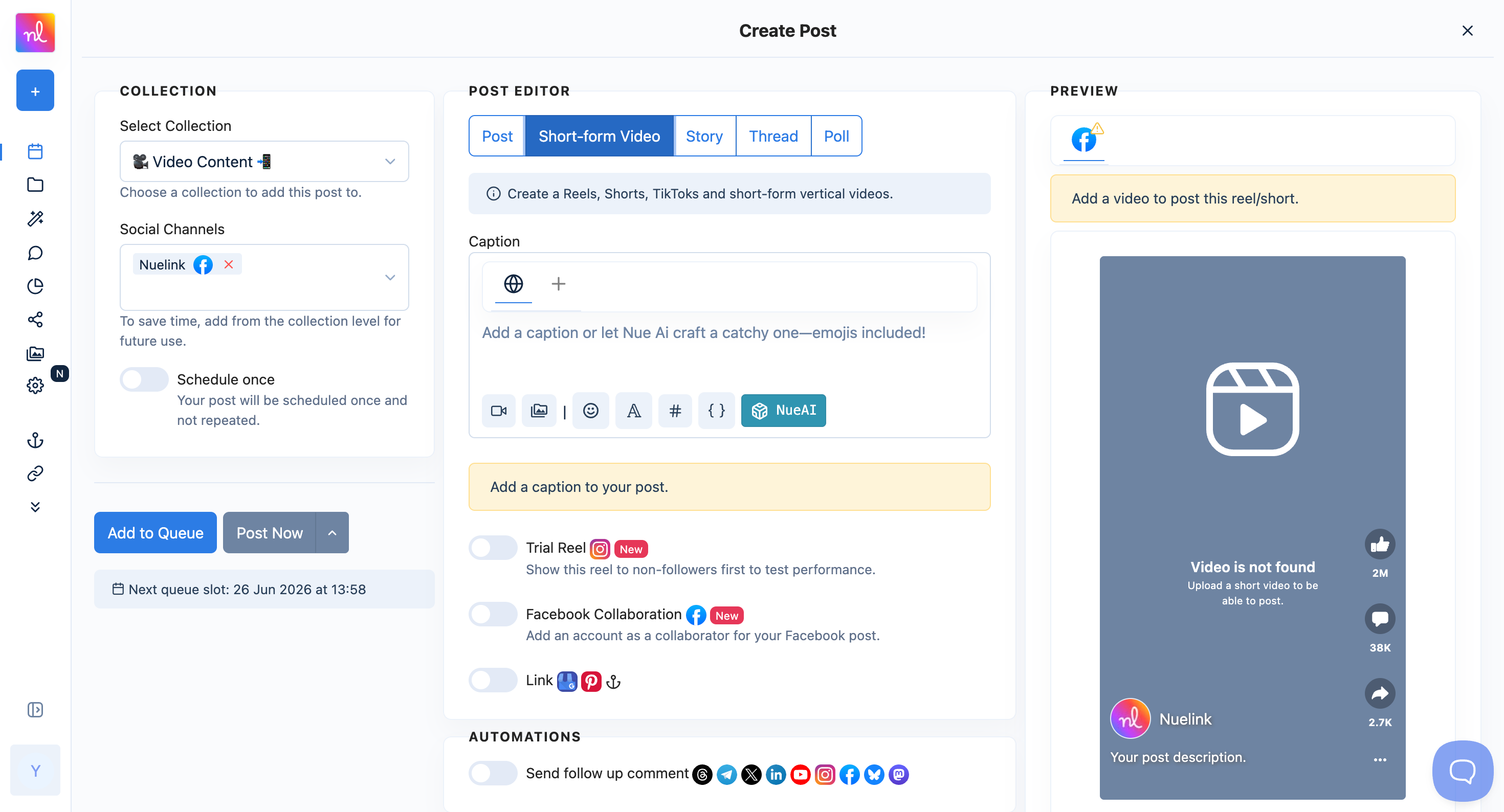
Facebook's algorithm currently prioritizes Reels and Stories over static feed posts. Nuelink is built for this reality. Schedule feed posts, Reels, Stories, carousels, polls, and event posts from one place, not just the formats that are easy to handle.
Facebook's algorithm rewards posts with high comment engagement. Nuelink lets you schedule a follow-up comment to fire automatically after a delay you set, which is perfect for pinning a link, adding context, or driving conversation without cluttering the main post.
Hashtag Manager
On Facebook, hashtags are less central than on Mastodon but still matter for discovery in Groups and Reels. Nuelink's Hashtag Manager lets you save and organize your best hashtags by topic or campaign, then insert any saved group into a scheduled post with a single click.
Bulk Scheduling via CSV
If you are managing Facebook at any real scale, scheduling one post at a time is not viable. Nuelink's bulk scheduling tool lets you prepare your entire queue in Google Sheets with captions, media, dates, and times, then export it as a CSV and upload it to Nuelink. Your full queue is scheduled instantly with no manual work.
Bulk Schedule Facebook Posts with Nuelink
Crossposting Across Networks
Most people on Facebook also keep a presence on Instagram, Threads, TikTok, and LinkedIn. Nuelink lets you crosspost your content across these platforms through one automated system, while still controlling exactly what gets crossposted and what does not.
Crosspost Facebook Content with Nuelink
Facebook Reviews Automation
Social proof is one of the most powerful assets on Facebook, yet most scheduling tools ignore it entirely. Nuelink's Facebook Reviews Automation turns your customer reviews into scheduled social posts automatically, so your best testimonials work for you around the clock without any manual copy-paste.
Automate Facebook Reviews with Nuelink
Store Automations
Nuelink lets you connect your online store directly to Facebook and automatically promote your products without any manual work. Whether you sell on Shopify, WooCommerce, Etsy, or another platform, Nuelink pulls your products and schedules them on autopilot, which is especially useful for e-commerce brands that want a consistent presence without building every post by hand.
Facebook Collaborative Posts
Facebook's collaboration feature lets two Pages co-author a video or Reel, combining reach and engagement into one shared post that lives on both profiles. This is one of the most organic ways to double viewership without paying for promotion, yet almost no scheduling tools support it. Nuelink lets you schedule collaborative posts directly from your dashboard: toggle on "Facebook Collaboration," add a partner Page by name or username, and schedule alongside the rest of your content calendar. This is especially valuable for brands partnering with creators, agencies managing clients, or businesses running joint campaigns.

