
Best Social Media Management Tools for E-commerce Brands [2026 Updated]
Running social media for an online store is not the same as running it for a personal brand.
A creator posts their thoughts. A store has a catalog, one that changes every time you launch a product, restock a bestseller, or run a sale. Every one of those changes is a reason to post on Instagram, TikTok, Pinterest, Facebook, and more.
Do the math on a store with a few hundred products and a steady stream of new arrivals, and posting it all by hand will be a full-time job in itself.
And the stakes have never been higher. US social commerce sales are set to pass $100 billion for the first time in 2026, and 82% of shoppers now use social media to discover products.
Social media is no longer where you build awareness and hope it helps sales somewhere down the line.
So for an e-commerce brand, the question is not "which tool can schedule a post?" It is which tool can turn your store into a stream of social content automatically, and turn that content into sales, without you posting every product by hand.
This guide covers the best social media management tools for ecommerce in 2026, what each one is genuinely best at, and where each one falls short.
Why Most Social Media Management Tools Are Not Built for Ecommerce
Most social media tools are built for a brand or a personality posting content to its own channels.
That is a different job from running a store, and it is why so many of them let ecommerce brands down in the same ways:
- 🔌 They do not connect to your store. Your products live in Shopify, WooCommerce, Etsy, or your own website. Most of these social media management tools don't connect with these platforms. You end up copying product details across by hand and scheduling them using your social media management tool
- 📦 They cannot turn products into posts. Even the tools that integrate often just import a catalog. They will not automatically create and publish a post the moment you add a new product.
- ⭐ They ignore your best content: your reviews. Customer reviews and user-generated content are the most persuasive assets a store has, and almost no scheduler does anything with them. Not a long automatically.
- 📈 They measure the wrong things. Likes and followers do not increase revenue and profit. Ecommerce needs clicks, traffic, and sales, and most tools are not built to report that.
- ⏱️ They buckle under volume. A store publishing dozens of products, restocks, and promos a month needs bulk and automation, not a calendar you fill in manually.
What Ecommerce Brands Actually Need From a Social Media Management Tool
Store Integration and Product Automation
This is the foundation. Your tool should connect directly to your store, Shopify, WooCommerce, Etsy, and others and turn every new product into a ready social post automatically, with the image, the price, the caption, and the link already in place.
Review and UGC Automation
Nothing sells a product like another customer's words. The best tools can take your incoming reviews and turn them into social posts automatically, so your feed is full of social proof without you screenshotting a single testimonial.
Link-in-Bio
Every post should lead somewhere a customer can buy. Look for shoppable formats and a proper link-in-bio storefront, so the distance between "I want that" and "checkout" is as short as possible.
Conversational Commerce
A huge share of ecommerce sales now happen in the DMs: answering questions, sharing a discount code, recovering an abandoned cart. Tools that automate comment-to-DM flows and cart-recovery messages turn casual engagement into orders.
The Right Platforms
Ecommerce lives on visual and video-first platforms. The social media management tool you're picking should be supporting social channels like Pinterest, Instagram, TikTok, and others.
Sales-Focused Analytics
You need to know which posts and products actually drive traffic and revenue, not just which got the most likes. Link tracking and performance data tied to clicks matter more here than engagement charts.
Bulk and Crossposting
Stores work in volume. Uploading a season's worth of products at once, and pushing one product video to Instagram, TikTok, and Pinterest from a single upload, is the kind of feature you can expect from a social media management tool actually built with e-commerce brands in mind.
Your Store Is Already Full of Content
As an e-commerce brand, you do not have a content problem; you have a content distribution problem.
Most stores think they need to come up with things to post constantly. They do not.
Every store is already sitting on more content than it could ever publish; it is just locked up in places a normal scheduler cannot reach:
- 🛍️ Your catalog is a stream of posts. Every new product, every restock, every bundle is something worth showing on social media.
- ⭐ Your reviews are testimonials waiting to be shared, the most trusted content you will ever post.
- 🏷️ Your sales and promos are timely, high-converting posts you should run on repeat.
- 🔁 Your bestsellers are evergreen content you can recycle forever, not post once and forget.
For publishing your store's content automatically, there is honestly no real competitor to Nuelink. It is the best at it, full stop.
But let's be realistic: automatic posting is not the only thing an ecommerce brand needs from a social media tool. There are a handful of other features, conversational commerce, shoppable planning, deep analytics, that matter too, and those are exactly where the other tools below earn their place.
Keep that in mind and let's see the following roundup.
The Best Social Media Management Tools for Ecommerce in 2026
No single tool wins every ecommerce need, so each tool below is matched to the job it does best.
1. Nuelink
🏆 Best for: stores that want their catalog and reviews turned into social media content automatically
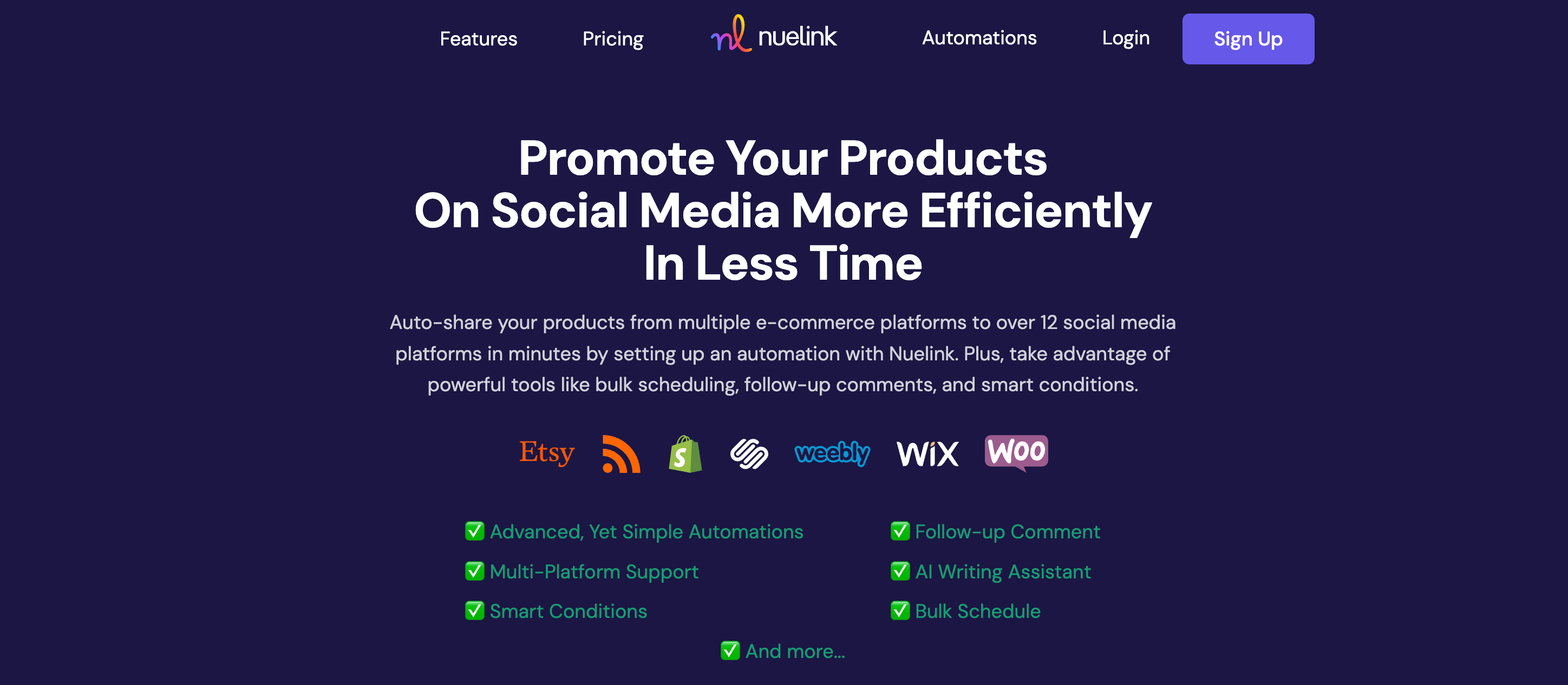
Nuelink is built around the idea that your store should post itself. Connect Shopify, WooCommerce, Etsy, Squarespace, Wix, or any RSS feed once, and every new product becomes a formatted social post across your platforms, with no manual step in between. It is the one tool here that activates the content you already have, products and reviews alike.
✨ Key Ecommerce Features by Nuelink
- 🛍️ Product Automation: connect your store and new products auto-publish across up to 12 platforms, with the image, price, caption, and link filled in.
- ⭐ Review-to-Social: turn new Google, Yelp, and Facebook reviews into social posts automatically, so your feed stays full of social proof.
- 🤖 AI Captions with Variables: generate product captions with NueAI, using dynamic fields like the product title and link.
- 🎯 Include and Exclude Rules: auto-post only the products you want by filtering on keywords, so sale items or specific collections post themselves.
- ♻️ Evergreen Recycling: keep bestsellers circulating instead of posting them once and forgetting them.
- 🔁 Crossposting: push one product video to Instagram, TikTok, and Facebook from a single upload.
- 🔗 Link Shortening and Tracking: branded short links with click tracking on every post.
- 🔖 Nue.bio Link-in-Bio: a shoppable link-in-bio storefront for your profiles.
| 💰 Plan | Price | 📡 Channels | 🏢 Brands |
|---|---|---|---|
| Standard | $24/mo | 10 | 1 |
| Premium | $48/mo | 30 | 3 |
| Business | $78/mo | 60 | 6 |
✅ Flat pricing with no per-channel fees. 7-day free trial and a 30-day money-back guarantee.
⚠️ Honest gap: Nuelink automates publishing and social proof brilliantly, but it is not a conversational-commerce tool. For automated cart-recovery and comment-to-DM sales flows, pair it with ManyChat below.
🛍️ See it in action: Connect your store to Nuelink →
🎨 2. Later
Best for Visual Planning and Link-in-Bio Shopping

Later has specialized in visual social since 2014, and for stores whose feed is their storefront, its drag-and-drop planning and mature Link in Bio tool are the draw. Its shoppable Link in Bio turns your Instagram feed into a browsable, clickable catalog.
✨ Key Ecommerce Features
- 🖼️ Visual Planner: design a cohesive, on-brand feed with a drag-and-drop grid preview.
- 🔖 Shoppable Link in Bio: turn your feed into a clickable storefront that links each post to a product.
- 📌 Pinterest Strength: strong support for Pinterest, a top platform for product discovery.
- 🕒 Best Time to Post: publish when your audience is most active.
⚠️ Later is excellent for visual planning and link-in-bio shopping, but it does not connect to your store to auto-post products, and social-set pricing climbs as you add accounts.
💬 3. Manychat
Best for Conversational Commerce
Manychat automates the conversations that lead to orders. It pioneered comment-to-DM automation, and for Shopify stores it handles the high-intent moments: answering product questions, sending discount codes, and recovering abandoned carts, all on autopilot.
✨ Key Ecommerce Features
- 💬 Comment-to-DM Flows: reply to a comment and open a DM automatically, with a no-code builder.
- 🛒 Shopify Automation: abandoned-cart recovery, order updates, and product recommendations.
- 🎟️ Discount and Offer Delivery: send codes and links straight into the DMs.
- 📣 Broadcasts: message your subscriber list for launches and flash sales.
| 💰 Plan | Price | Contacts |
|---|---|---|
| Free | $0 | 25 |
| Pro | $29/mo | 2,500 |
| Business | $69/mo | 7,500 |
⚠️ Manychat charges by active contacts, so costs rise as your audience grows, and some Shopify automation sits on higher tiers.
📊 4. Metricool
Best for Analytics and Reporting
Metricool pairs scheduling with some of the most generous analytics in the market, including a free tier. For a store that wants to tie its social activity to real performance, it is the measurement layer.
✨ Key Ecommerce Features
- 📊 Performance Analytics: track reach, clicks, and engagement across all your channels.
- 🔍 Competitor Tracking: benchmark your store against rivals.
- 🕒 Best Time to Post: data-backed posting recommendations.
- 📤 Reporting: customizable reports, with Looker Studio on higher tiers.
| 💰 Plan | Price (Annual) | 🏢 Brands |
|---|---|---|
| Free | $0 | 1 |
| Starter | ~$22/mo | 5 |
| Advanced | ~$54/mo | 15 |
⚠️ Metricool is a strong analytics and scheduling tool, but it does not connect to your store or automate product and review posting.
How to Choose the Right Tool for Your Store
Each of these tools wins a different kind of ecommerce brand. Here is how to pick yours based on your needs...
Choose Nuelink if your priority is putting your products and reviews on autopilot. It fits stores that add products regularly and want each one posted automatically across every social media platform. Also, if you want to publish your positive reviews from Facebook reviews, Google Business Reviews, and Yelp to social media automatically.
Choose Later if your store is visual-first and lives on Instagram and Pinterest, and a shoppable, beautifully planned feed with a clickable link-in-bio catalog is what you care about most. Just know it will not auto-post your products from your store.
Choose ManyChat if your growth comes from the DMs: comment-to-DM funnels, discount delivery, and abandoned-cart recovery on Shopify. It is the best here at turning conversations into orders.
Choose Metricool if measurement is your priority and you want to know exactly which posts and products drive traffic and sales, with scheduling and reporting in one place.
For most stores, the strongest setup is a pair: Nuelink to automate publishing and social proof, plus ManyChat to automate the sales conversations.
See how Nuelink helps ecommerce brands do more in less time: Promote Your Products on Social Media More Efficiently