
Best Social Media Management Tools to Grow Your Small Business In 2026
Most small business social media accounts follow the same arc: a flurry of posts when the page is new, a few more when someone remembers, and then weeks of silence.
Usually, the problem is time. As a small business owner, you have multiple tasks to do with little time and energy, so usually what happens is you end up giving up on social media, even though you know for a fact that it’s a massive, important part of your business.
So, in this article, we will see if we can find a few of the best social media management tools that can help you keep doing what is good for your business, but also not spend too much time, money, or effort while doing it.
Why Small Businesses Struggle to Keep Up With Social Media
Keeping up with social media as a small business is genuinely hard for multiple reasons:
- ⏳ No time. You are running the business, serving customers, and handling everything else. Social media usually loses priority.
- 👤 No team. There is no marketing department. The person posting is the same person doing payroll and answering the phone: you. Which will drain your energy big time.
- 💸 No budget. Hiring a freelancer or an agency is out of reach for most small businesses.
- 📅 Consistency is brutal. The algorithms reward businesses that show up regularly. For you, posting every day on multiple social media channels is nearly impossible to sustain by hand.
- 🧠 The content never stops. Coming up with something to post, writing it, sizing the image, and publishing it everywhere, over and over, is exhausting on top of a full working day.
For these reasons and many others, most small businesses start strong, post for a few weeks, then go quiet. Let's try not to make you one of them.
How the Best Social Media Management Tools Fix This
The best social media management tools for a small business are not another thing to manage. They are built to remove the exact problems above, so your presence keeps running without affecting your other business tasks.
Here are a few features that social media management tools offer to make that possible:
Automation That Replaces You
This is the one that changes everything. If you sell products, publish a blog, share YouTube videos, or collect reviews, the right tool turns all of that into social media posts automatically and publishes them to your social media.
Simplicity
The best tool is the one you will actually use when you only have twenty minutes. It should be simple, easy to access the main features, and not require checking multiple help articles and videos to figure it out.
Pricing a Small Business Can Actually Afford
For a small business, you need to find a tool that offers flat pricing, a free plan, or a low starting plan.
Consistency Without the Daily Effort
Evergreen recycling and simple scheduling keep your best posts, offers, and updates running automatically, so you stay visible and consistent even during your busiest weeks, without touching the app every day.
Reviews and Social Proof on Autopilot
For a small business, a customer's review is marketing gold. Tools that turn your Google and Facebook reviews into social posts keep your feed full of the trust signals that win local customers, with no effort from you.
The Platforms That Actually Drive Your Sales
Facebook still drives the most small-business leads and local reach, Instagram builds your brand, and Google Business Profile is critical for anyone with a local or physical presence. The right tool covers the channels your customers actually use.
A Free or Low-Risk Way to Start
When money is tight, being able to start free or with a free trial for a tool without commitment matters.
The Best Social Media Management Tools for Small Businesses in 2026
No single tool wins for every small business, so each pick below is matched to what it does best, with an honest note on where it falls short.
| Tool | Best for | Automation | Review automation | Ease of use | Starting price |
|---|---|---|---|---|---|
| Nuelink | Automation | ✅ Store, blog, reviews, RSS | ✅ Auto-posts reviews | ✅ Simple | $24/mo |
| Buffer | Starting free & simplicity | ❌ No | ❌ No | ✅ Very simple | Free / $5 per channel |
| Meta Business Suite | Free scheduling & simple ads | ❌ No | ❌ No | ✅ Simple | Free |
1. Nuelink
🏆 Best for: owners who want their social media to be published automatically without manual work.
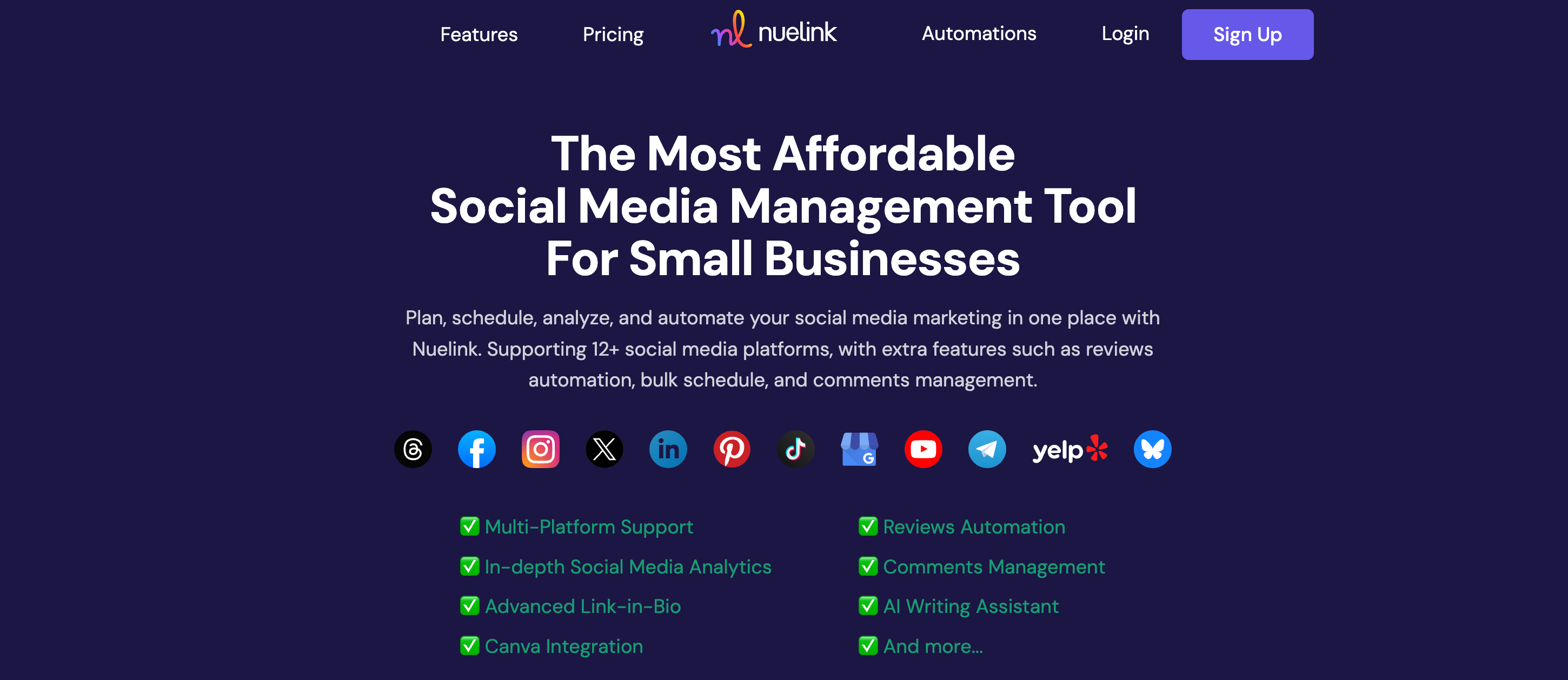
Nuelink is the closest thing a small business has to hiring a social media manager, without the salary. Connect your store, blog, or reviews once, and it turns them into posts across up to 12 platforms automatically. For an owner with an hour a week, that is the difference between a living social presence and a page that has not been touched since spring.
✨ Key Small-Business Features by Nuelink
- 🤖 Content Automation: connect your Shopify or WooCommerce store, blog RSS, or podcast, and new content becomes social posts automatically.
- ⭐ Review-to-Social: turn new Google and Facebook reviews into posts automatically, keeping your feed full of social proof.
- 📍 Google Business Profile: publish to GBP alongside your social channels, essential for local businesses.
- ♻️ Evergreen Recycling: keep your best posts, offers, and updates circulating so your feed never goes quiet.
- 🔁 Crossposting: post once to Facebook, Instagram, and more from a single upload.
- 🤖 AI Captions: generate captions with NueAI so you never stare at a blank box.
| 💰 Plan | Price | 📡 Channels | 🏢 Brands |
|---|---|---|---|
| Standard | $18/mo | 10 | 1 |
| Premium | $48/mo | 30 | 3 |
| Business | $78/mo | 60 | 6 |
✅ Flat pricing with no per-channel fees. 7-day free trial and a 30-day money-back guarantee.
⚠️ Honest note: Nuelink has no permanent free plan, only a trial. If a free tool is a hard requirement, Buffer below is the better starting point.
⚡ See it in action: The Most Affordable Social Media Management Tool For Small Businesses
2. Buffer
🆓 Best for: businesses that want to start at zero cost with the simplest possible tool
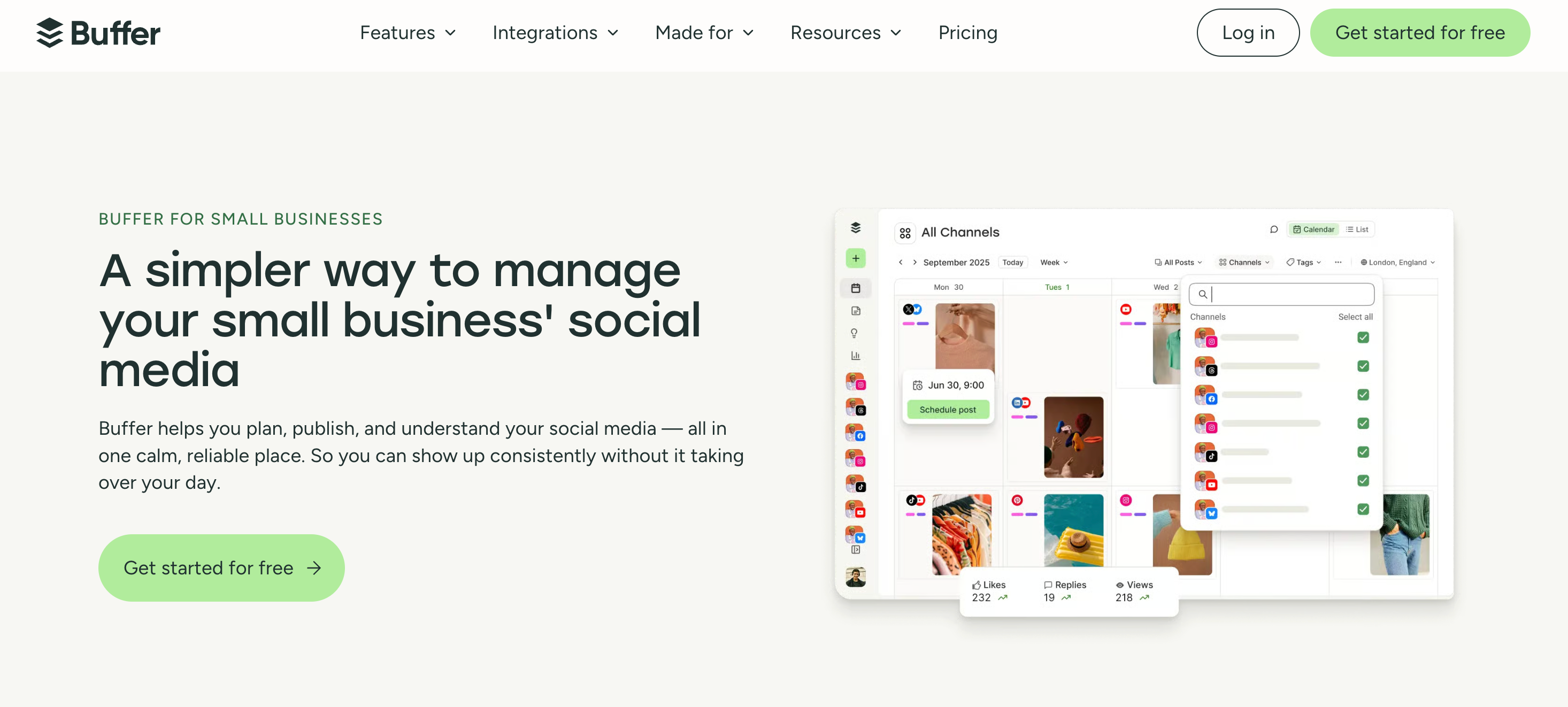
Buffer is the friendliest place to start. Its free plan is one of the few genuinely usable ones left, and the whole tool is built around being easy. For an owner who just wants to queue a few posts a week without thinking about it, it is hard to beat.
✨ Key Small-Business Features by Buffer
- 🆓 Real Free Plan: 3 channels, 10 scheduled posts each, the AI assistant, and a link-in-bio, at no cost.
- 🧭 Dead Simple: the easiest scheduler to learn in the category.
- 🤖 AI Assistant: draft and repurpose captions on every plan.
- 🔗 Start Page: a free link-in-bio for your profiles.
| 💰 Plan | Price | 📡 Channels |
|---|---|---|
| Free | $0 | 3 |
| Essentials | $5/mo per channel | Flexible |
| Team | $10/mo per channel | Flexible |
⚠️ Buffer is a scheduler, not an automation tool, so you still create and queue everything by hand. Its per-channel pricing also climbs once you connect several accounts.
3. Meta Business Suite
🆓 Best for: businesses focused on Facebook and Instagram that want a free tool they probably already have
If most of your customers are on Facebook and Instagram, you may not need to pay for anything. Meta Business Suite is Meta's own free tool, and it does more than people realize: it schedules posts, and it is also where your simple ads live, so you can boost a post or run a basic campaign from the same place you publish.
✨ Key Small-Business Features by Meta Business Suite
- 🆓 Completely free: schedule Facebook and Instagram posts, Reels, and Stories at no cost, up to about 75 days ahead.
- 📣 Simple Ads and Boosting: promote a high-performing post or run a basic ad campaign without touching a complicated ads dashboard.
- 📥 Unified Inbox: handle Facebook, Instagram, and Messenger messages and comments in one place, with automated replies for FAQs.
- 📊 Basic Insights: see reach, engagement, and audience data for both platforms.
| 💰 Plan | Price |
|---|---|
| Meta Business Suite | Free (you only pay for ads you choose to run) |
⚠️ It only covers Facebook and Instagram, not TikTok, LinkedIn, Pinterest, or anywhere else, and it does not automate content or turn reviews into posts. It is a free scheduler and ads front door, not a full social media system.