
X (Twitter) Posting Credits & Limits: How They Work
You can only send a set number of posts to X each day. Why? Sending posts to X costs money. X charges Nuelink $0.20 for every post with a link. We count your X posts with credits. This guide shows you how credits work and how to see how many you have left.
Note: These limits are only for X. Instagram, Facebook, LinkedIn, TikTok, the Threads app, and all your other channels work the same as before.
Table of Contents
How X Post Credits Work
X charges $0.20 for every post with a link. That's why there is a daily limit on X posts, and why posts with links use more credits.
The most important things to know
- A post uses 1 credit.
- A post with a link uses 10 credits.
- You can send 10 posts with links a month on the Standard plan. Bigger plans get more (see the table below).
- All your X channels share the same credits. If you send 1 post to 3 X channels, it uses 3 credits.
- You get new credits every day at 00:00 UTC. UTC is a world time. It may not be midnight where you live.
- Credits you don't use are gone at the end of the day. They do not move to the next day.
Here are some examples:
|
What you send |
Credits it uses |
| 1 post, no link | 1 |
| 1 post with a link | 10 |
| 1 post, no link, sent to 3 X channels | 3 |
| A thread of 5 tweets with 1 link | 14 |
How many credits you get
|
Plan |
Credits each day |
Posts each month (up to) |
Posts with links each month |
| Standard | 10 | 300 | 10 |
| Premium | 30 | 900 | 30 |
| Business | 60 | 1,800 | 60 |
| Agency & Agency Plus | 100 | 3,000 | 100 |
Posts without links have no monthly limit. The only limit is your daily credits.
You can send both kinds of posts on the same day. For example, the Business plan gives you 60 credits a day. You could send:
- 3 posts with links = 30 credits
- 30 posts without links = 30 credits
- Total = 60 credits. That's all your credits for the day.
Posts with links
A post with a link uses 10 credits. You also get only a set number of posts with links each month. On the Standard plan, that's 10 a month (see the table above for other plans).
These also count as posts with links:
- A follow-up comment or reply that has a link
- A retweet that has a link
This monthly limit starts over on your plan's renewal date. That's the day your plan renews. Your daily credits are different. They start over every day.
When you reach the monthly limit, you can still post to X. Just leave out the link.
Threads
A thread is a group of tweets that go out together, one after another. Each tweet counts on its own.
For example, a thread with 5 tweets and 1 link uses 14 credits:
- 10 credits for the tweet with the link
- 1 credit each for the other 4 tweets (4 credits)
Important: The Standard plan gives you 10 credits a day. A thread with a link needs more than that. So it gets skipped. To send it, take out the link, or move to a bigger plan.
If you run out of credits
Important: If a post needs more credits than you have left that day, it is skipped. It will not be sent later.
We will send you an email when a post is skipped. Then you can pick a new day for it.
To stop this from happening, look at your queue (your list of planned posts). Find days with lots of X posts. Move some of them to another day. The steps below show you how.
Check your X Post Credits
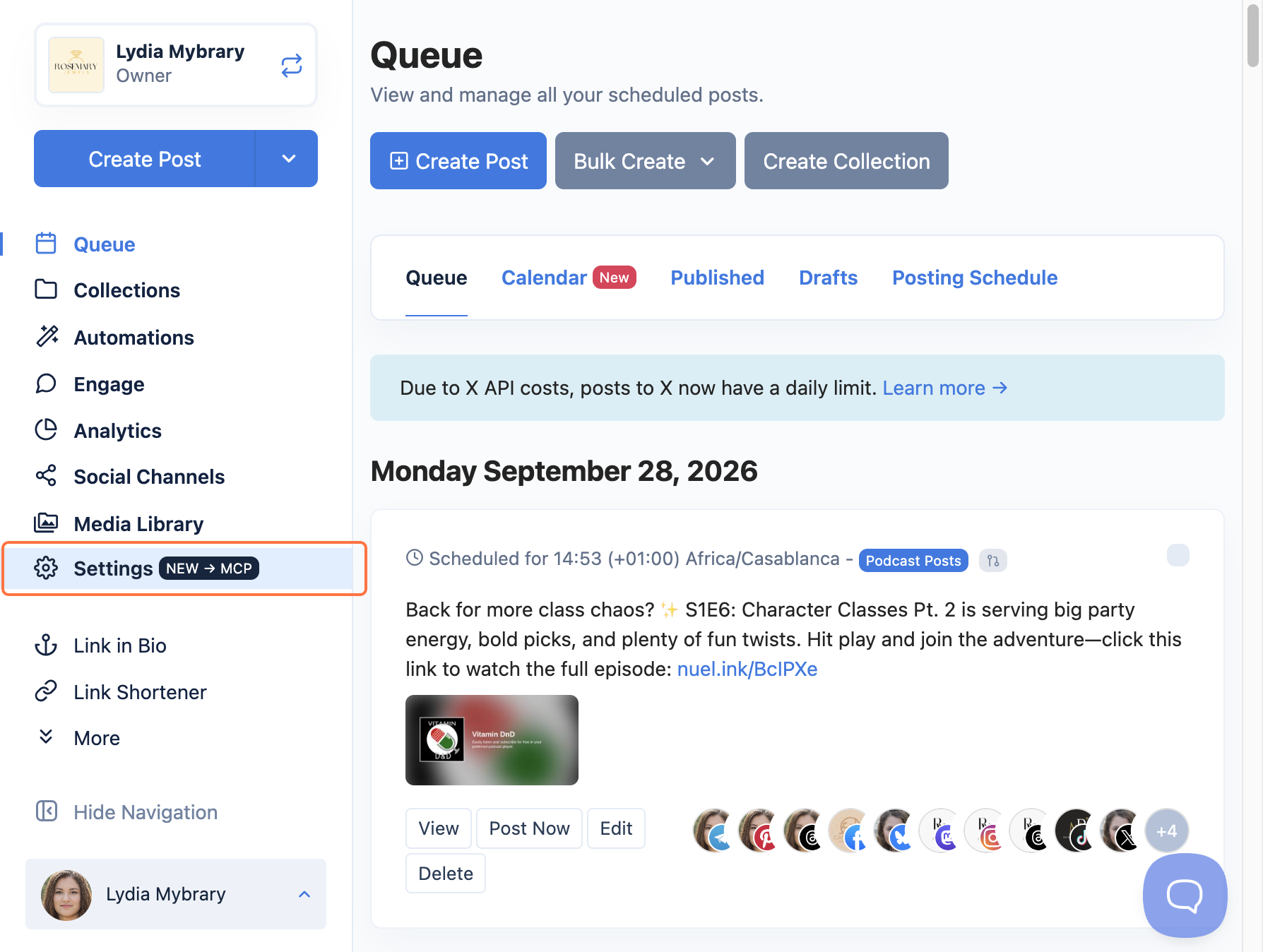
- Go to Settings.
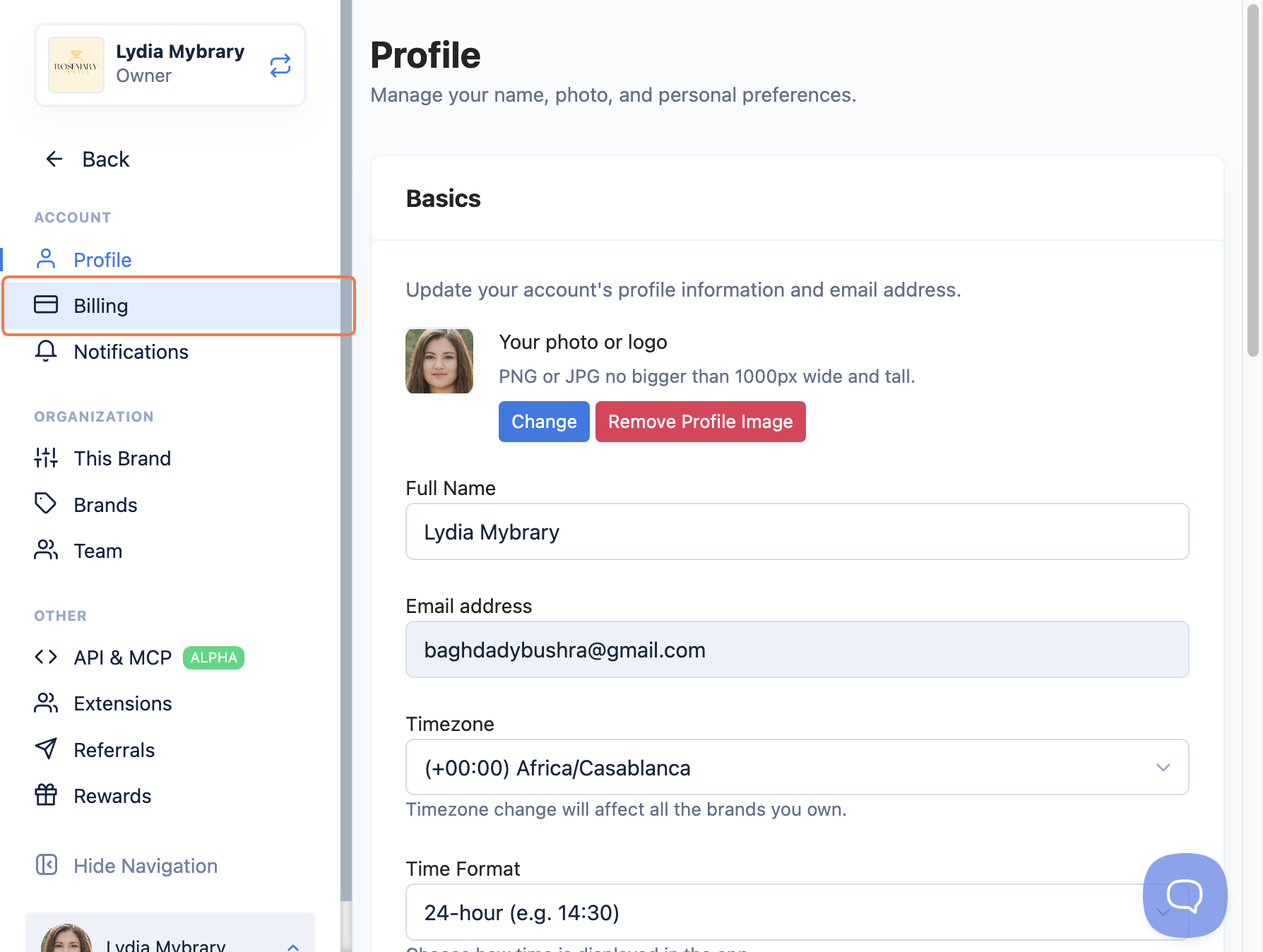
- Click Billing.
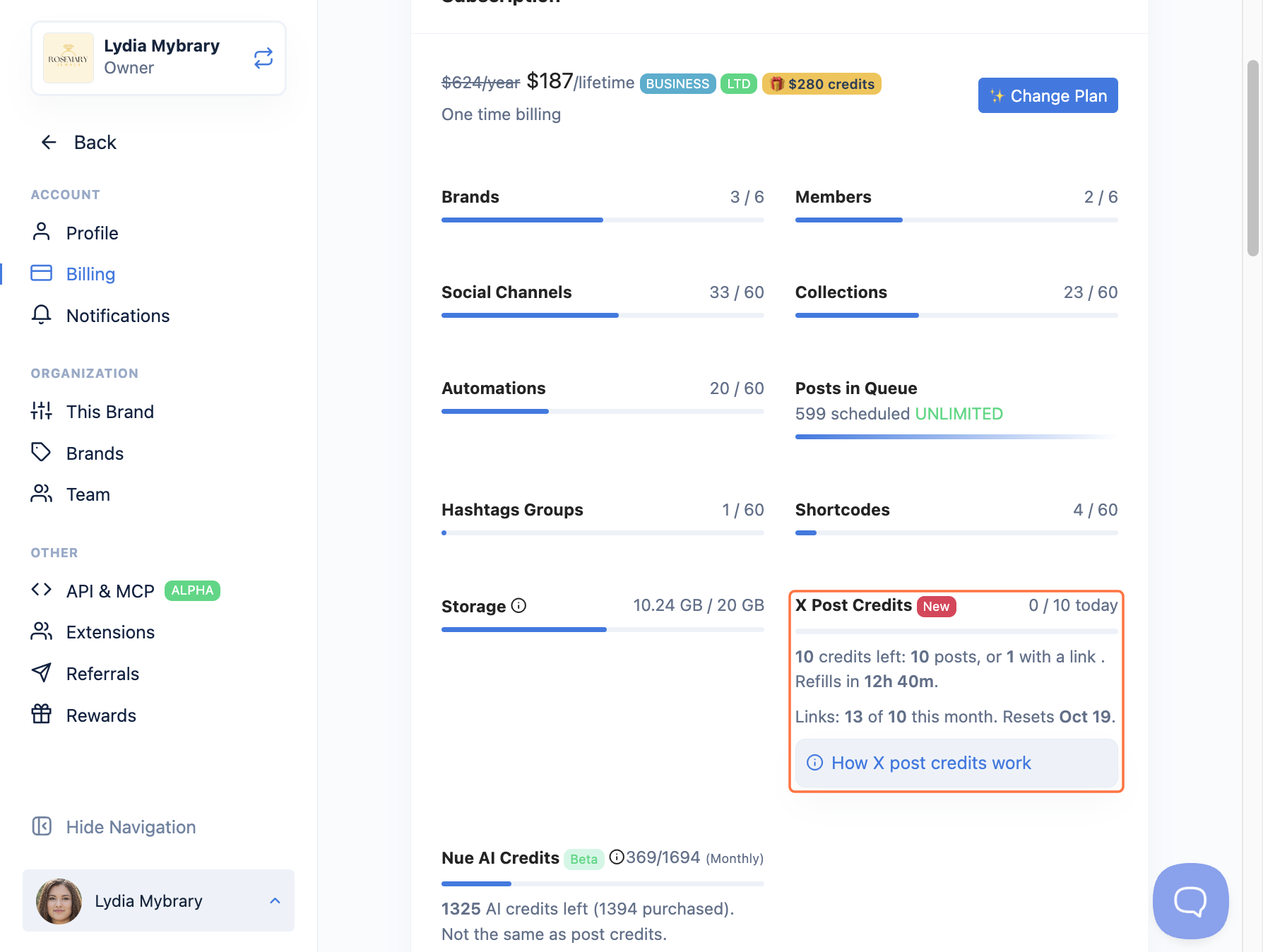
- Find X Post Credits. Look at your numbers. You will see:
- How many credits you have left today
- When you get new credits
- How many posts with links you have left this month
Plan your X posts so none get skipped
- Count the credits you need for each day:
- 1 credit for each post
- 10 credits for each post with a link
- Each X channel counts on its own
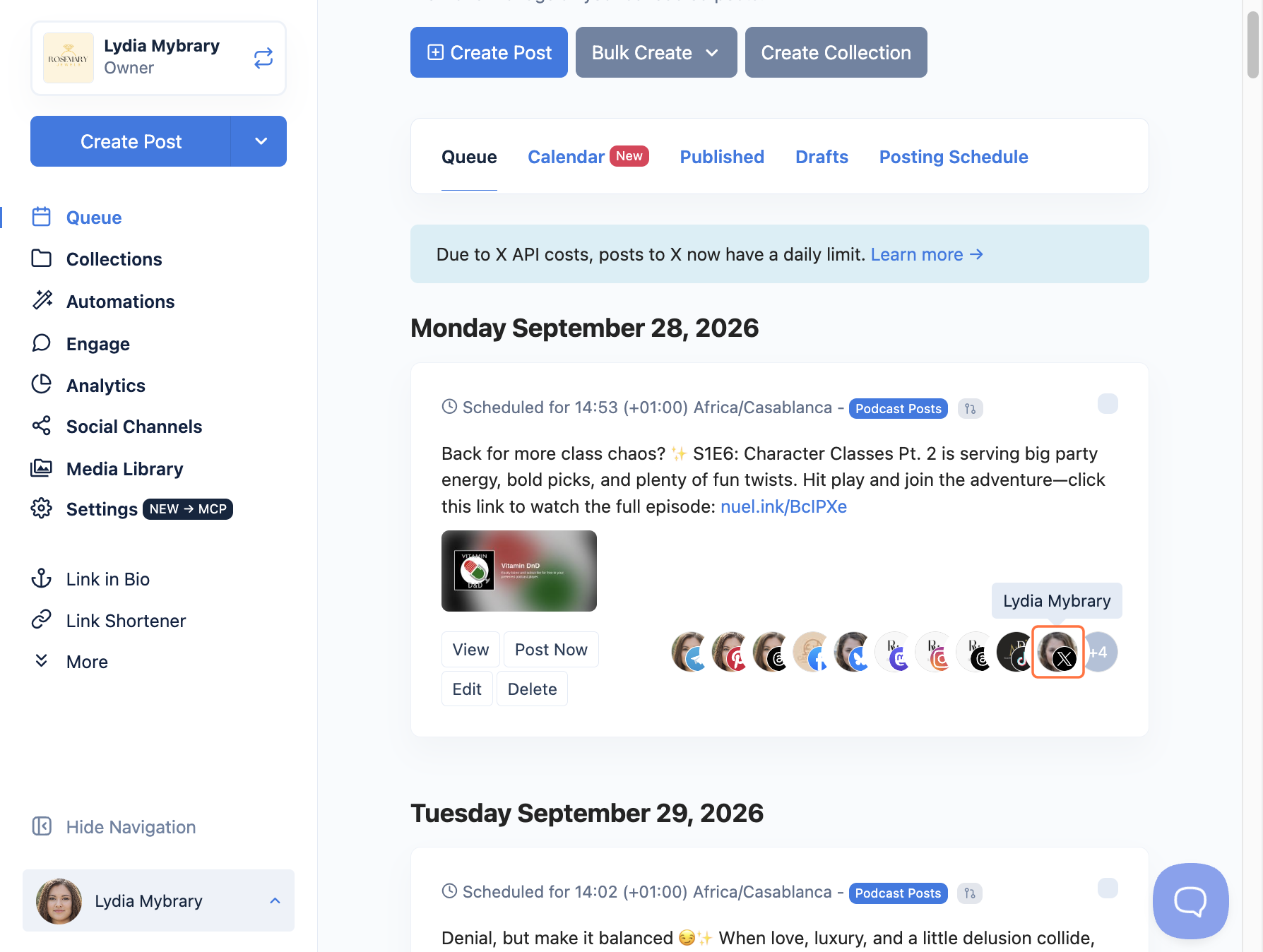
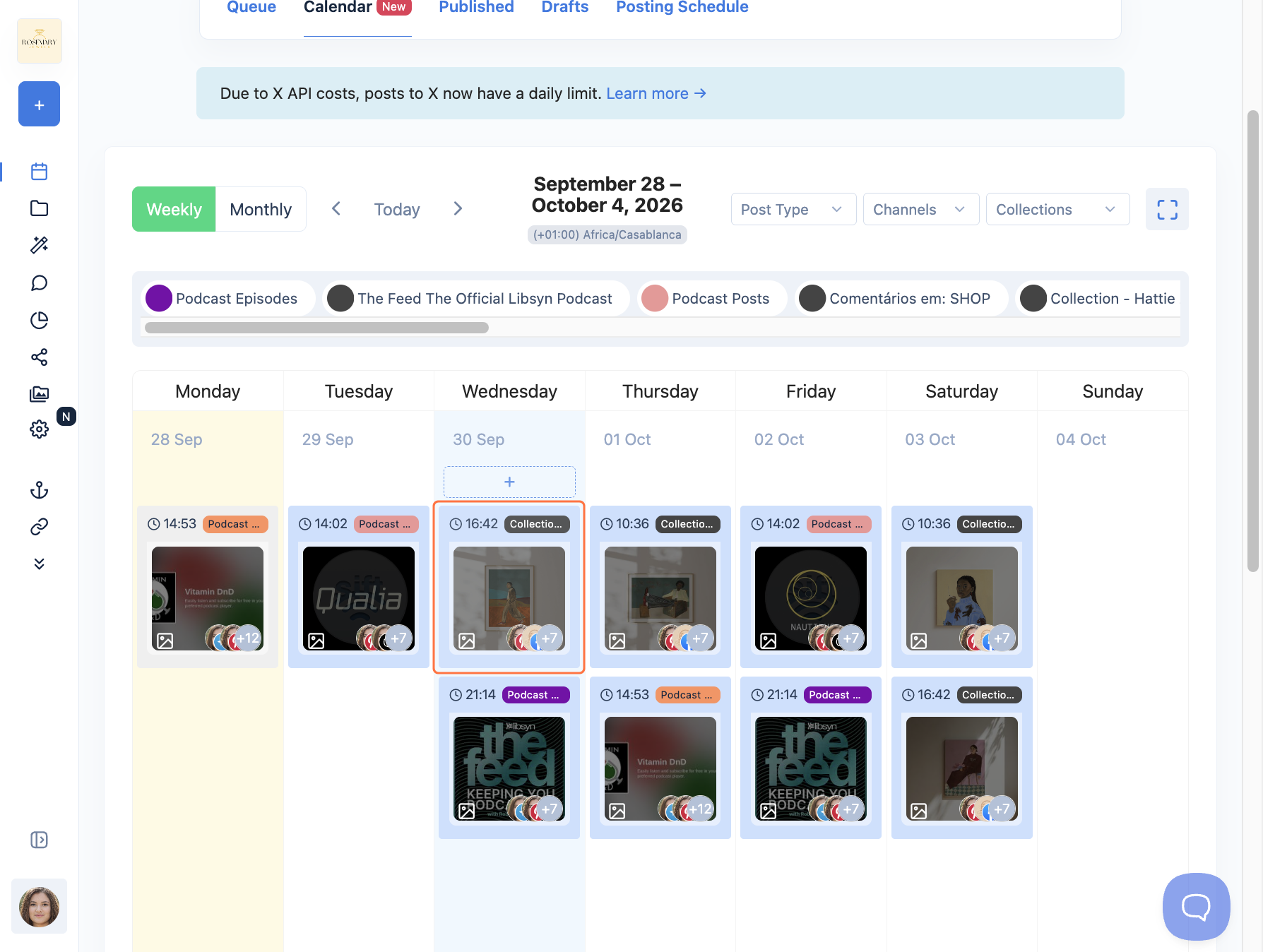
- Open your queue. Look for days with lots of X posts. Move some posts to another day. Keep each day under your daily credits.
Tip: Don't need a link? Leave it out. The post will use 1 credit instead of 10.
That's it! You're all set! Now you know how many credits you have, and your X posts will go out on time.
FAQs
Does this change my other channels?
No. The limits are only for X. Your other channels work the same as before.
Do credits I don't use move to the next day?
No. Every day at 00:00 UTC, you get a fresh set of credits. Leftover credits are gone.
If a post fails, does it use credits?
No. Credits are only used when a post goes out.
Are X post credits the same as NueAI credits?
No. They are two different things. Using one never uses the other.
How do I get more credits?
Bigger plans come with more credits. Compare plans →
Troubleshooting
I got an email that my X post was skipped.
Fix: You did not have enough credits left that day. Skipped posts are not sent later. Pick a new day for the post. Next time, spread your X posts over more days.
My post with a link didn't go out, but I still had credits.
Fix: A post with a link needs 10 credits. If you had fewer than 10 left, it was skipped. Or you may have used all your posts with links for this month. Go to Settings → Billing → X Post Credits to check. If you have none left, post without the link, or wait until your plan renews.
My thread with a link was skipped on the Standard plan.
Fix: Standard gives you 10 credits a day. A thread with a link needs more than that. Take out the link, or move to a bigger plan.
My credits run out faster than I thought.
Fix: All your X channels share the same credits. So 1 post sent to 3 X channels uses 3 credits. Also, new credits come at 00:00 UTC. That may not be midnight where you live. Check X Post Credits to see when you get new ones.
- Daily credits control your overall X posting usage and reset every day.
- Monthly link posts control how many posts containing links you can publish each month.