
How to Connect Your Social Media Accounts to Nuelink?
In this article, we will link you to all the articles you need to connect your social media accounts to Nuelink. Make sure to log in to your Nuelink account first.
Note: All the social media accounts are free to link, except for X(Twitter), due to increased X API prices, it’s now a paid add-on.
The Current Available Platforms on Nuelink:
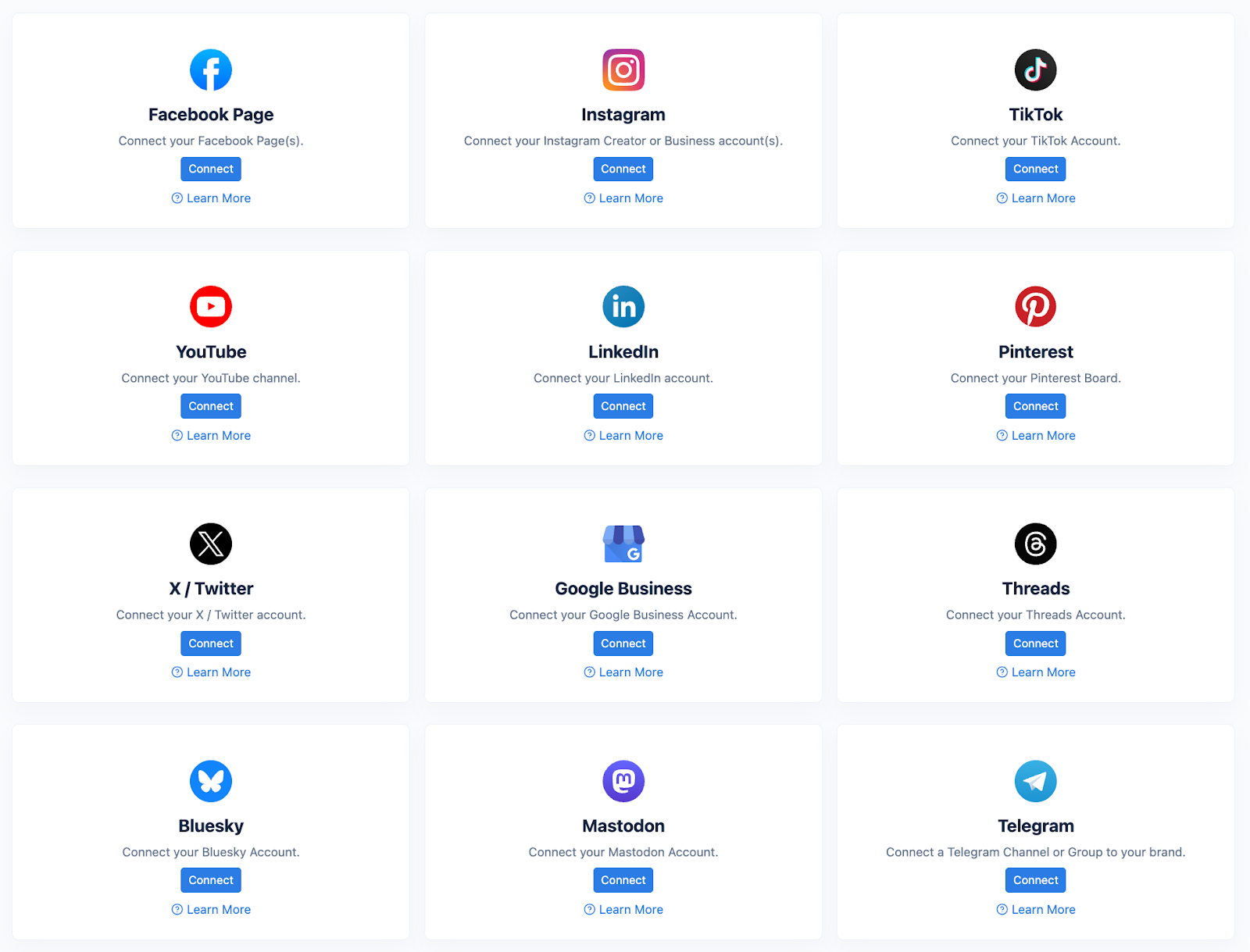
Due to Meta requirements, you can only link Facebook pages. You’ll need to use your personal Facebook profile, which is the admin of the page you'll connect to Nuelink. Make sure you log into Nuelink and your Facebook account first.
Due to Meta requirements, you can only connect Business and Creator accounts to Nuelink. Personal accounts are not supported.
TikTok
You can connect regular and business TikTok accounts.
YouTube
You can connect your YouTube channel to schedule videos and shorts on Nuelink.
You can connect your LinkedIn profile and LinkedIn company page to Nuelink.
You can connect your personal and business Pinterest accounts to Nuelink.
X(Twitter)
Due to the increased API prices by X, it’s now considered a paid add-on to link an X account to Nuelink.
Google Business
You can connect your Google Business page to Nuelink.
Threads
You can connect your Threads account to Nuelink.
Mastodon
You can connect your Mastodon accounts to Nuelink.
Bluesky
Bluesky has its own way of handling authorization and connection, which is different from other platforms. To get started, you'll need to create an app password in your Bluesky account.
Telegram
You can connect your Telegram public and private groups and channels to Nuelink.
If you happen to have any additional inquiries, please read through our Frequently Asked Questions section.
Check our Help Center for further tutorials. We offer several videos and articles on how to get the most out of Nuelink.
Still need help? Contact Us.