
The Best Repurpose.io Alternatives in 2026: Is Repurpose.io The Best Choice for Crossposting
Repurpose.io is built around one clear promise: publish content on one platform and let automated workflows distribute it to other social media platforms which what we call in the social media management world crossposting
This is the unique selling proposition of repurpose.io which it genuinely useful for creators who already produce a steady stream of short-form video or social media content in general. But this doesn't make a complete social media management....
This guide breaks down what Repurpose.io does well, what current users praise and criticize, and it is the best possible option in the market for crossposting.
Repurpose.io's Main Features
1. Automated cross-platform workflows
Repurpose.io publish content from one platform to one or more platforms automatically.
A new TikTok, Instagram reel, YouTube short, podcast episode, or supported image post can trigger workflows that resize and publish the content elsewhere.
2. Video resizing and watermark removal
Videos can be reformatted for the destination platform. Repurpose.io can also remove supported platform watermarks so the redistributed version looks more native.
3. Image, carousel, slideshow, and Story repurposing
It also supports photos, graphics, carousels, slideshows, and selected story workflows across Instagram, Facebook, Snapchat, and other supported destinations.
4. Scheduled and automatic publishing
Users can publish new content as soon as Repurpose.io detects it or assign recurring publishing slots.
🎥 See the workflow in action: Watch Repurpose.io's official quick-start guide to see how it works
Quick Look on Repurpose.io Reviews
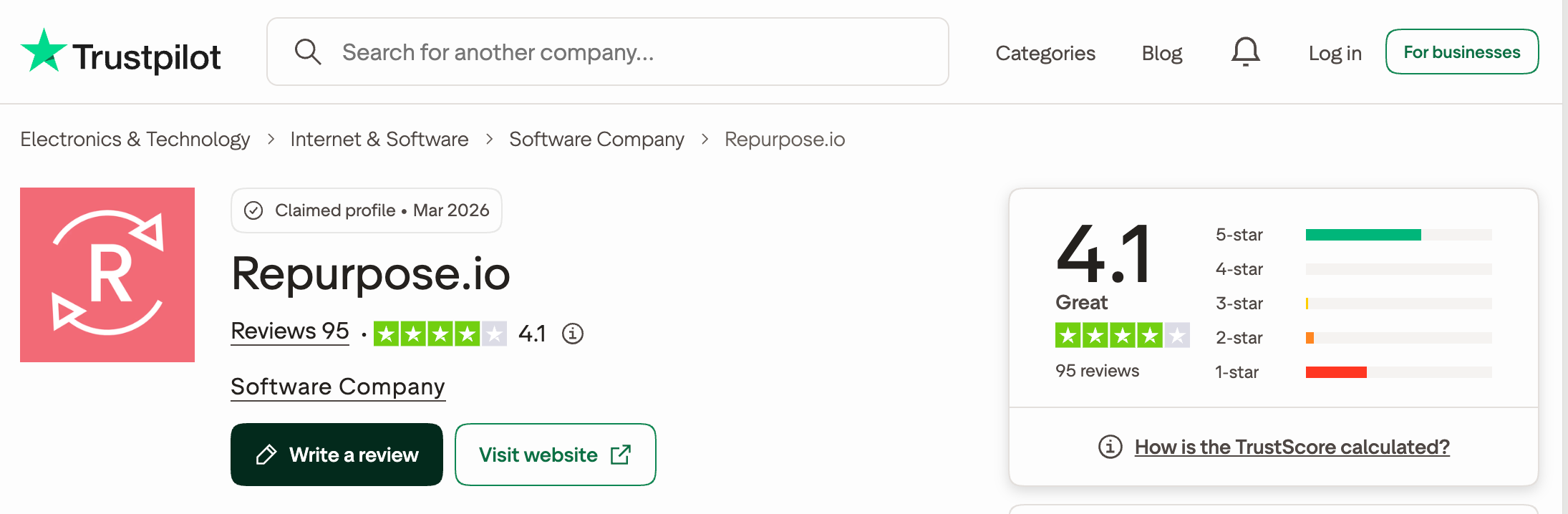
Repurpose.io currently has a 4.1/5 TrustScore from 95 reviews on Trustpilot.
The average looks positive, but the distribution is unusually polarized: 62% of reviews are five-star while 33% are one-star at the time of writing.
What Do Repurpose.io’s One-Star Reviews Reveal?
Several one-star Trustpilot reviews mention workflows disconnecting or stopping without warning. Others report failed or duplicated posts and slow support when problems occur.
Billing, cancellations, and refund requests appear repeatedly as well.
These are individual experiences, but they suggest that reliability and billing terms are worth checking before choosing an annual plan.
Explore Repurpose.io’s one-star reviews on Trustpilot.
Why Are People Looking for Repurpose.io Alternatives?
1. It distributes content but does not replace a full social media manager
Repurpose.io is excellent at moving media between connected sources and destinations. It is less suitable for teams that also need a flexible post composer, content collections, approvals, a social inbox, broad analytics and other important features to anyone managing social media.
2. Direct uploads are not supported
According to Repurpose.io's official scheduling guide, content must come from a connected source platform.
A local video cannot simply be uploaded into Repurpose.io. Google Drive or Dropbox can be used as a workaround.
3. The entry price is high for a single creator
Starter costs $35 per month. That can make sense when automated distribution replaces hours of manual work, but it is expensive if you only need basic scheduling across a few accounts.
4. Automatic scheduling has practical limits
Schedule-based workflows allow up to five automatic publishing slots per day. The “as soon as possible” mode checks for content periodically and can skip items when more than three new videos are detected in one window.
5. It does not create the original content for you
Repurpose.io reformats and distributes existing material. Creators who need AI clipping, transcript-based editing, B-roll, captions, or original post generation will need another tool or a different alternative.
What to Look for in a Repurpose.io Alternative
- ⚙️ The right automation sources: Check whether the tool works only with social posts or can also pull from blogs, RSS feeds, podcasts, newsletters, and ecommerce stores
- 🎬 Creation versus distribution: Decide whether you need a tool that creates clips and captions or one that simply moves finished content between platforms.
- 📅 A complete publishing workflow: Look for direct uploads, bulk scheduling, a visual calendar, queues, approvals, and platform-specific customization.
- 📊 Useful analytics: Confirm whether analytics cover post performance, links, audience growth, and cross-platform reporting rather than only successful publishing.
Repurpose.io Pricing: What You Are Actually Paying For
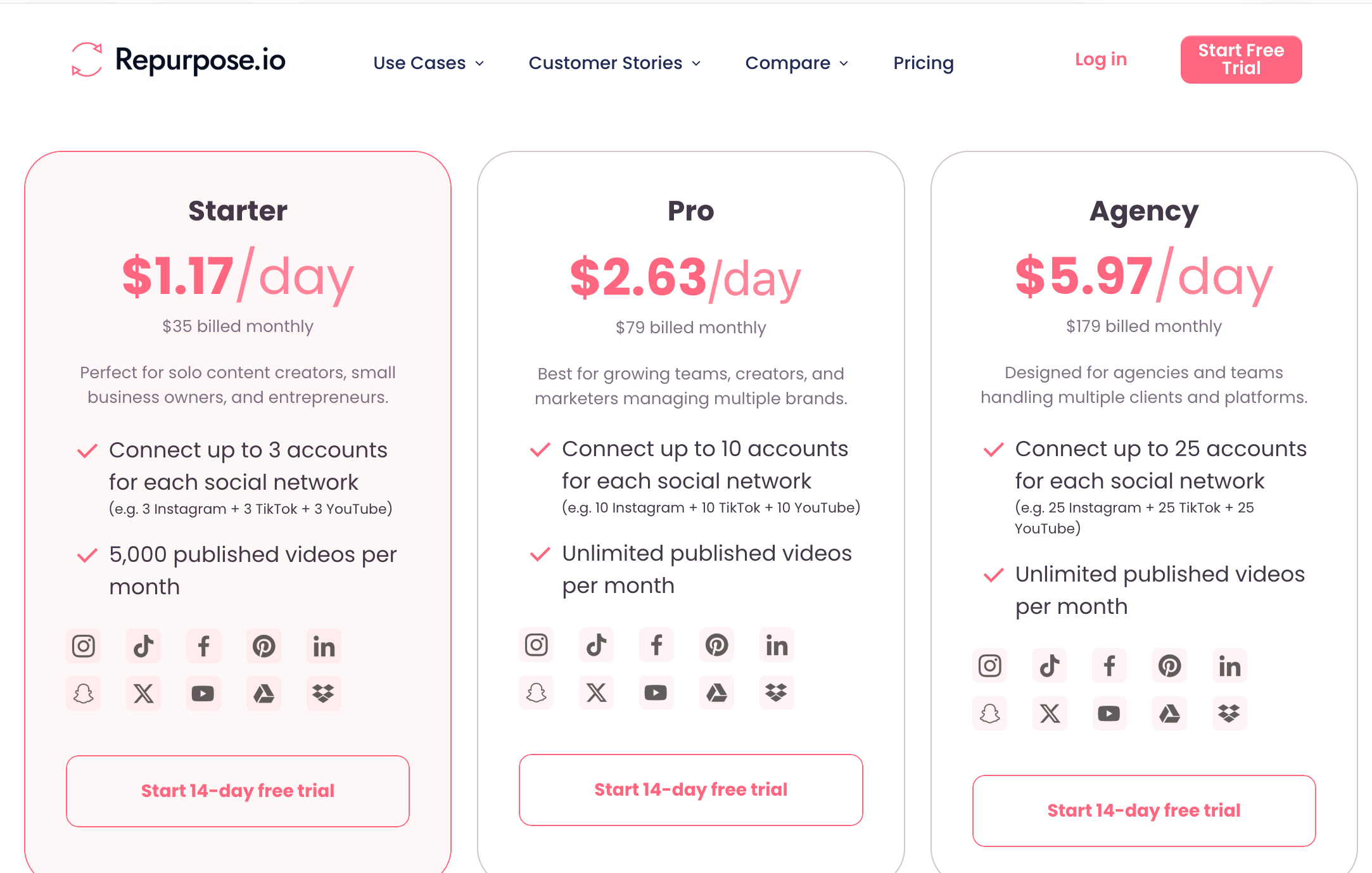
Repurpose.io prices plans by how many accounts can be connected for each supported network.
- 🎬 Starter: $35/month for up to three accounts per social network and 5,000 published videos per month.
- 🚀 Pro: $79/month for up to ten accounts per network and unlimited video publishing.
- 🏢 Agency: $179/month for up to 25 accounts per network and unlimited video publishing.
Three important things to know about Repurpose.io pricing
- The free test ends after 14 days or ten successful posts, whichever comes first. You can connect one account of each supported type, but YouTube cannot be used as a source during the standard trial.
- Automatic scheduling is limited across every paid tier. Scheduled workflows support five publishing slots per day, even though Pro and Agency advertise unlimited monthly video publishing.
- Direct uploads are not part of the product. You must connect a social platform, Google Drive, or Dropbox as the content source.
Important Note: These details were verified using Repurpose.io's official pricing page, plan-limit guide, and scheduling documentation. Features and limits may change in the future.
The 4 Best Repurpose.io Alternatives
1. Nuelink
Best for automating social media from videos, blogs, podcasts, newsletters, RSS feeds, and ecommerce stores.

Repurpose.io starts with content that already exists on a connected social or storage platform. Nuelink extends that idea to the rest of a business's content system.
A new blog article, podcast episode, newsletter, YouTube upload, Shopify product, WooCommerce product, Etsy listing, or RSS item can automatically generate social posts and place them into organized collections. Crossposting workflows can also move content between Instagram, Pinterest, LinkedIn, Facebook, Threads, Bluesky, X, and Mastodon.
Nuelink also works as a day-to-day scheduler. Teams can upload media directly, create posts, bulk schedule through CSV, recycle evergreen content, manage a link-in-bio page, shorten links, and use the API or MCP access included on every plan.
🔑 What Nuelink has that Repurpose.io does not: Ready-made automations for websites, newsletters, podcasts, ecommerce stores, RSS feeds, and social crossposting inside a broader scheduling platform.
📌 Choose it when: You want content from across your business, not only finished social media, to keep your channels active automatically.
💰 Pricing: Standard at $24/month · Premium at $54/month · Business at $84/month · Agency at $120/month · Agency Plus at $300/month
🛍️ Black Friday offer: Use BFCM26 to get the first year for $12, $27, $42, $60, or $150 per month, billed annually. Alternatively, get 25% off the first three paid monthly payments.
Offer ends November 30, 2026.
🗓️ Free trial: 7 days
⭐ Review score: 4.9/5 from 600+ reviews across Nuelink's published review total
2. quso.ai
Best for turning long videos into short clips and scheduling them from the same tool.
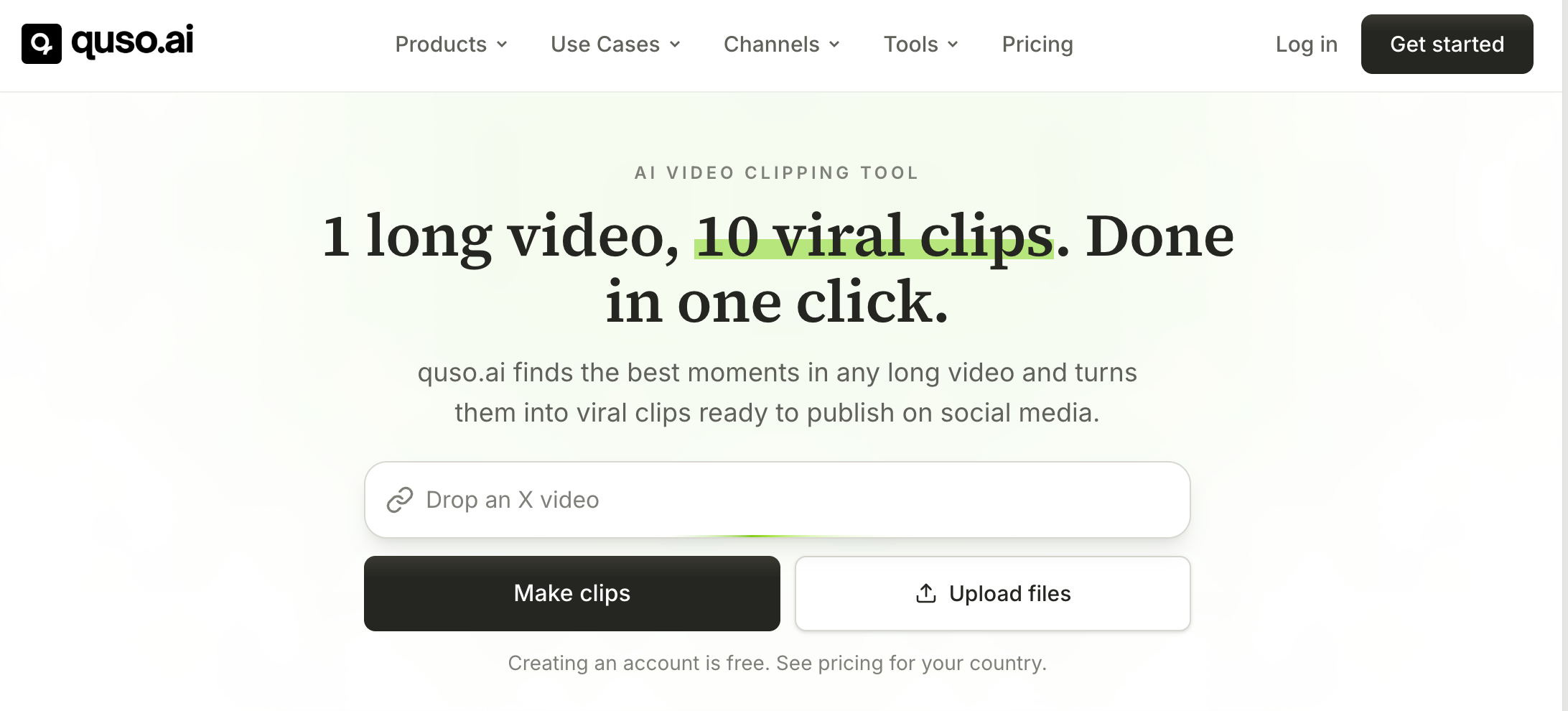
Repurpose.io expects the original content to be ready. quso.ai can help create the assets first. It finds clips inside long videos, adds subtitles, removes filler words, resizes content, generates captions, and schedules the results.
That makes quso.ai a stronger fit for podcasters, interview shows, educators, and video creators whose bottleneck is editing rather than distribution. Its Essential plan is where seven-platform scheduling begins.
🔑 What quso.ai has that Repurpose.io does not: AI clip generation, subtitle creation, filler-word removal, and a full video editor.
📌 Choose it when: You have long recordings and need the tool to find, edit, caption, and publish the best short moments.
💰 Pricing: Free plan · Lite at $29/month · Essential at $39/month · Growth at $49/month. Annual billing currently reduces these prices substantially.
🗓️ Free plan: 75 monthly credits
3. OpusClip
Best for AI clipping, animated captions, and fast short-form editing.
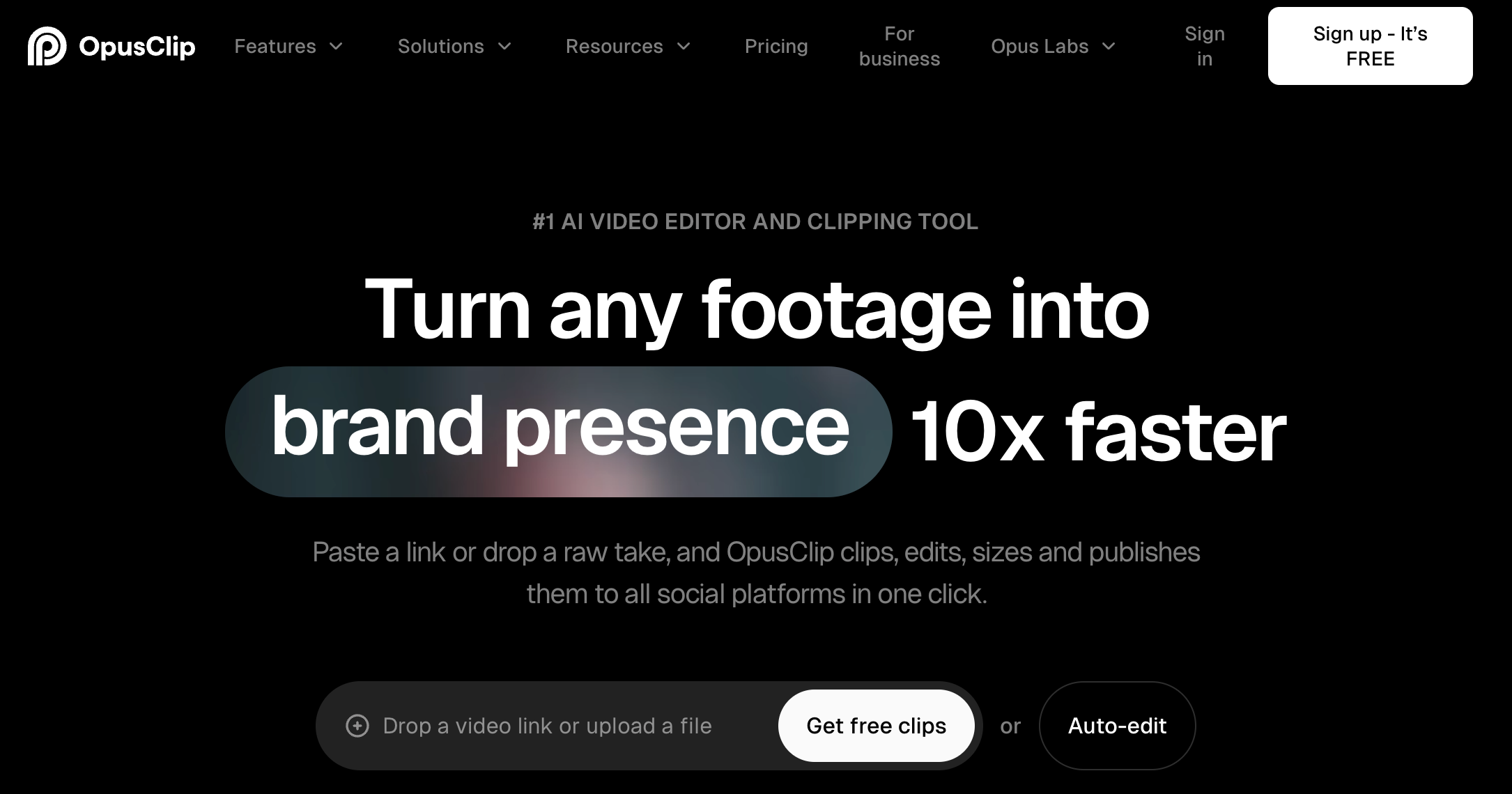
OpusClip analyzes long videos, identifies promising segments, assigns virality scores, reframes speakers, adds animated captions, and prepares vertical clips.
Its scheduling is narrower than Repurpose.io's broad workflow engine, but its editing and clip-generation capabilities are much deeper.
🔑 What OpusClip has that Repurpose.io does not: AI-selected clips with virality scoring, animated captions, hooks, B-roll, and transcript-based editing.
📌 Choose it when: Your biggest problem is producing enough polished Shorts, Reels, and TikToks from long videos.
💰 Pricing: Free plan · Starter at $15/month · Pro at $29/month or $174/year · Business with custom pricing
🗓️ Free trial: Available without a credit card
⭐ Review note: OpusClip has a large creator user base, but compare credit allowances against your monthly video length before choosing a plan.
⭐ Review score: G2: approximately 4.3/5
Want to explore more ways to publish the same content across multiple platforms AKA crossposting? Our complete guide to social media crossposting tools compares the available options and helps you find the right tools for you.
Repurpose.io Alternatives at a Glance
| Tool | Best for | Main advantage over Repurpose.io | Starting price |
| Nuelink | Multi-source social automation | Automates blogs, stores, podcasts, newsletters, RSS, YouTube, and crossposting | $24/month |
| quso.ai | Long-video repurposing | Creates and edits short clips before scheduling | Free |
| OpusClip | AI short-form production | Virality scoring, captions, reframing, and B-roll | Free |
Which Repurpose.io Alternative Is Right for You?
Repurpose.io remains one of the strongest tools for hands-off crossposting. The best alternative depends on what you need beyond that.
- ⚙️ Choose Nuelink if you want social posts to flow automatically from blogs, stores, podcasts, newsletters, RSS feeds, YouTube, and other social networks.
- 🎬 Choose quso.ai if long videos need to become edited clips, captions, and scheduled posts inside one workspace.
- ✂️ Choose OpusClip if AI clipping and short-form video quality matter more than full social media management.
- ♻️ Choose SocialBee if your strategy depends on evergreen categories, recurring queues, and mixed content formats.
Want the content your business already publishes to keep social media active automatically? Start your 7-day Nuelink trial and connect your blogs, stores, podcasts, newsletters, videos, and social channels to automated publishing workflows. Join before November 30, 2026 and use BFCM26 to get six months free on your first yearly plan.